14
ENGLISH
4. OPERATING ANG PROGRAMMING
4.1 CONTROL PANEL
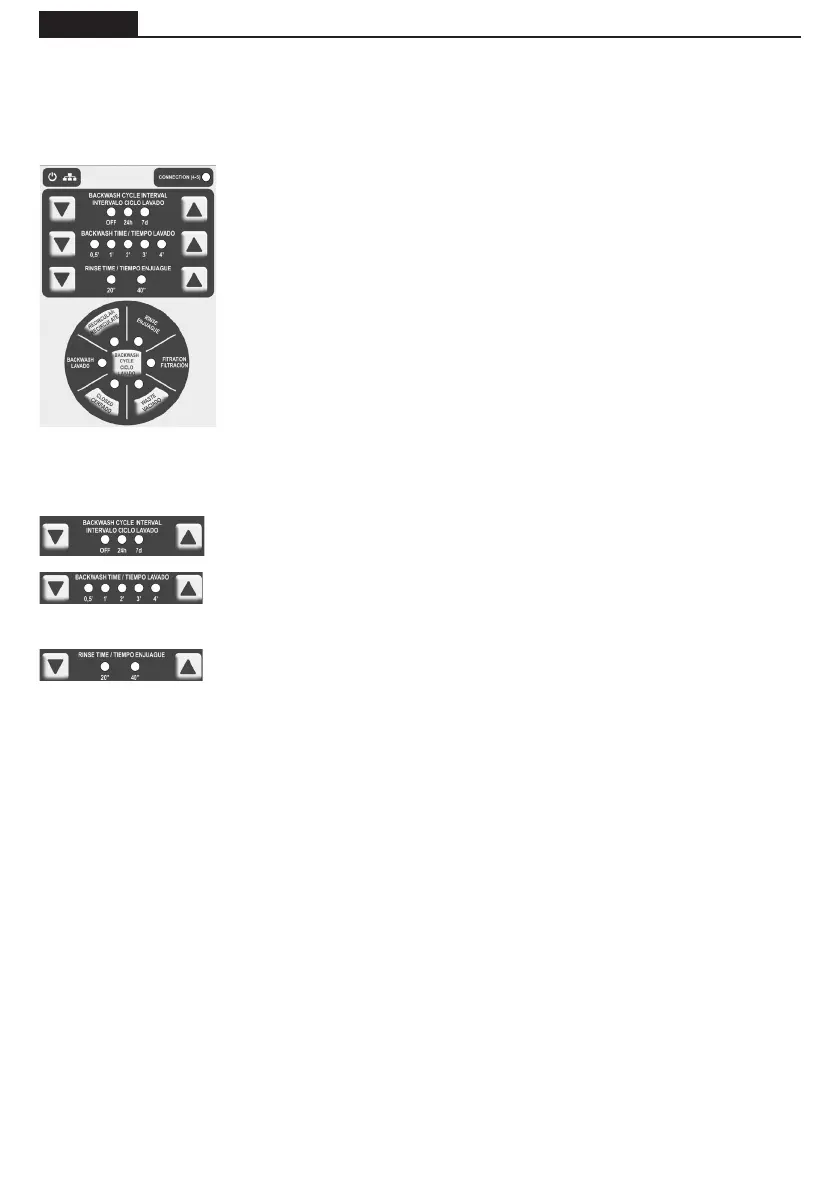
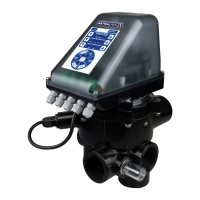
The valve incorporates in the electronic module cover a panel with push buttons and LEDs to indicate the
function being performed by the valve.
4.2 WASHING CYCLE
4.2.1 Washing by timing of the washing cycle
The washing cycle interval of the keyboard allows a washing and rinsing cycle to be carried out once the
programmed time has elapsed, 24 hours or 7 days.
The timer will reset when:
- The timed cleaning function has been completed.
- A pressure switch backwash has completed.
- The backwash is nished though a push button.
- Power is connected or reconnected after a power outage.
The washes will be done only using pressure in the “OFF” position.
4.2.2 Washing using the press button
The button allows you to start a lter washing routine (washing + rinsing) without having to manipulate
the pressure switch or the return valve. The valve must be correctly connected to the electrical cabinet
and the timer lter programme activated.
If there is a power cut, the backwash and rinse times will remain stored in the valve until the valve once
has a power supply again.
Power supply: LED that indicates that the valve's power supply connection has
been correctly done.
MODBUS Communication: In case of connection in done through MODBUS, it
indicates when data is sent or received.
Connection (4-5): LED indicating that the solenoid of the contactor is active
and that the pump is therefore running.
Cycle wash press button: Press button to activate the wash + rinse programme.
Empty press button: Press button to activate the emptying function.
Press button for recirculating: Press button to activate the recirculation
function and that indicates that the function is in process.
Closed press button: Press button to move the valve to closed position.
Washing cycle interval: it is possible to programme a daily (every 24h), weekly
(7 days) wash or disable it (OFF).
Backwash time: the push buttons can increase or reduce the backwash time
and the activation of one of the LEDs shows the minutes of programmed wash. It
ashes when the function is running.
Rinse time: the push buttons can increase or reduce the rinse time and the
activation of one of the LEDs shows the rinse time selected. It ashes when the
function is running.
The LEDs on the wheel correspond to the position of the valve. They also indicate with short ashes if the
valve moves to that position and with a long ashes if the programme has remained in the memory at
the end of the ltration time.


 To Next Page