EasyManua.ls Logo

ASTRO VA-1809 - Setup

ASTRO VA-1809
36 pages
Print Icon
To Next Page IconTo Next Page
To Previous Page IconTo Previous Page
Loading...
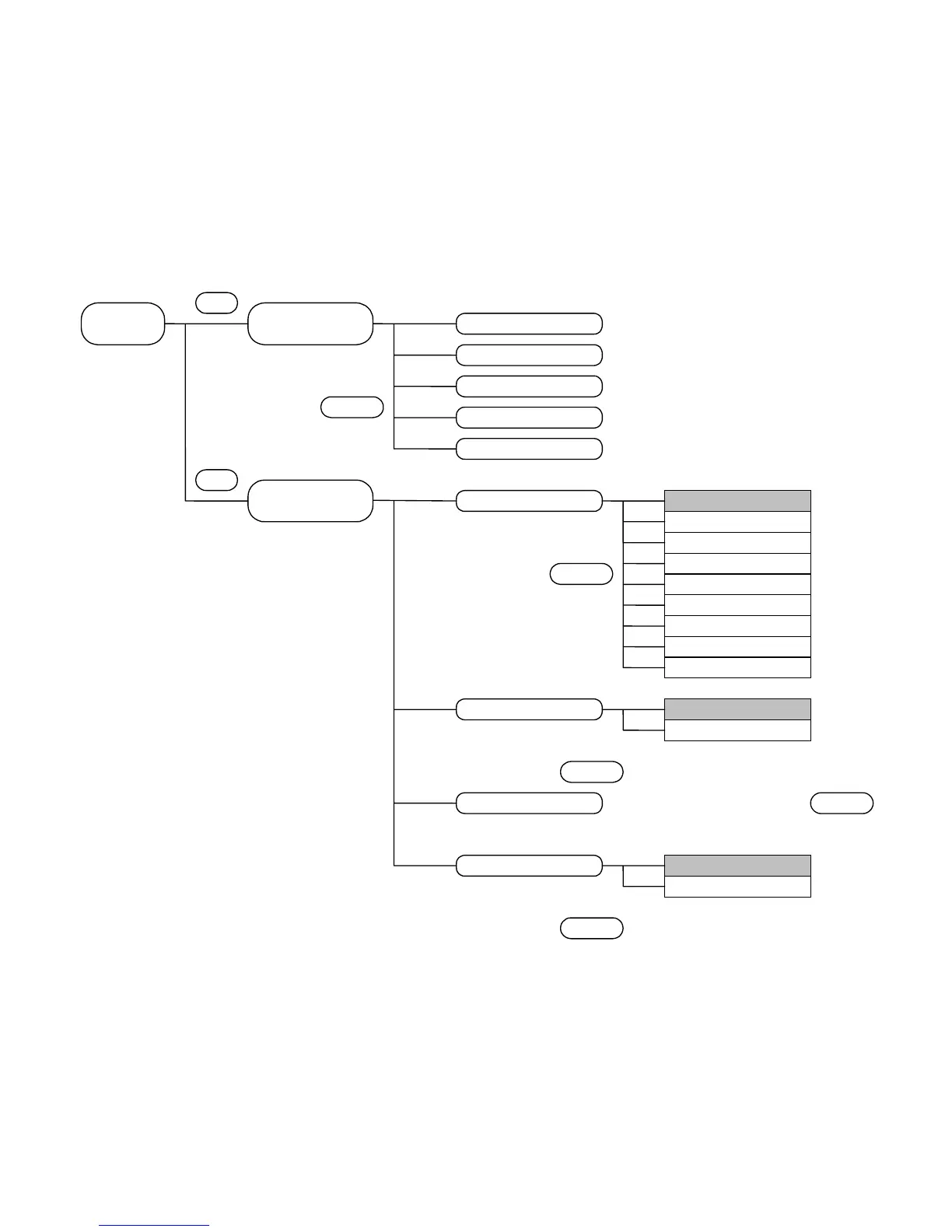
4.3 SETUP
The SETUP menu is used when setting the LCD screen of the VA-1809 or performing the
unit's settings.
The menu is configured as shown below when the PROGRAM button is pressed while
the on-screen display is blank.
* For further details, refer to the pages of the items concerned.
* ??? denotes an initial (factory) setting.
HOTPLUG button execution mode
△△
P.
Program Group Mode
Program Mode

A
NALYSIS
△△
P.
F2
F1
HOTPLUG button execution mode
Volume setting
Trigger settings for log execution
VA-1809 unit settings
LCD screen settings
△△
P.
△△
P.
A
uto Mode
Manual ModeHotPlug Mode
Speaker Volume
△△
P.
HDCP
A
udio
Channel Status Bit
MPEG InfoFrame
A
udio InfoFrame
SPD InfoFrame
A
VI InfoFrame
Video Timing
A
LL
A
nalysis Trigge
r
Backlight setting
Contrast setting
Brightness setting
Contrast with OSD setting
Brightness with OSD setting
Back Light
Contrast
Brightness
Contrast(with OSD)
Brightness(with OSD)
CONFIG SETUP
DISPLAY SETUPSETUP
12

Table of Contents

Related product manuals