(4) Setting the contrast of the LCD screen under normal conditions
Set the contrast of the LCD screen under normal conditions.
→ [Rotary key] or [F1 or F2] to select the item whose value is to be changed →
[ENTER] to enter the selection
→ [Rotary key] or [F1 or F2] to change the value → [ENTER] to enter the selection
Align the cursor with CONTRAST, and adjust the value. It can be changed to any value
from -50 to +50.
7.3 CONFIG SETUP
The VA-1809's unit settings are established using CONFIG SETUP.
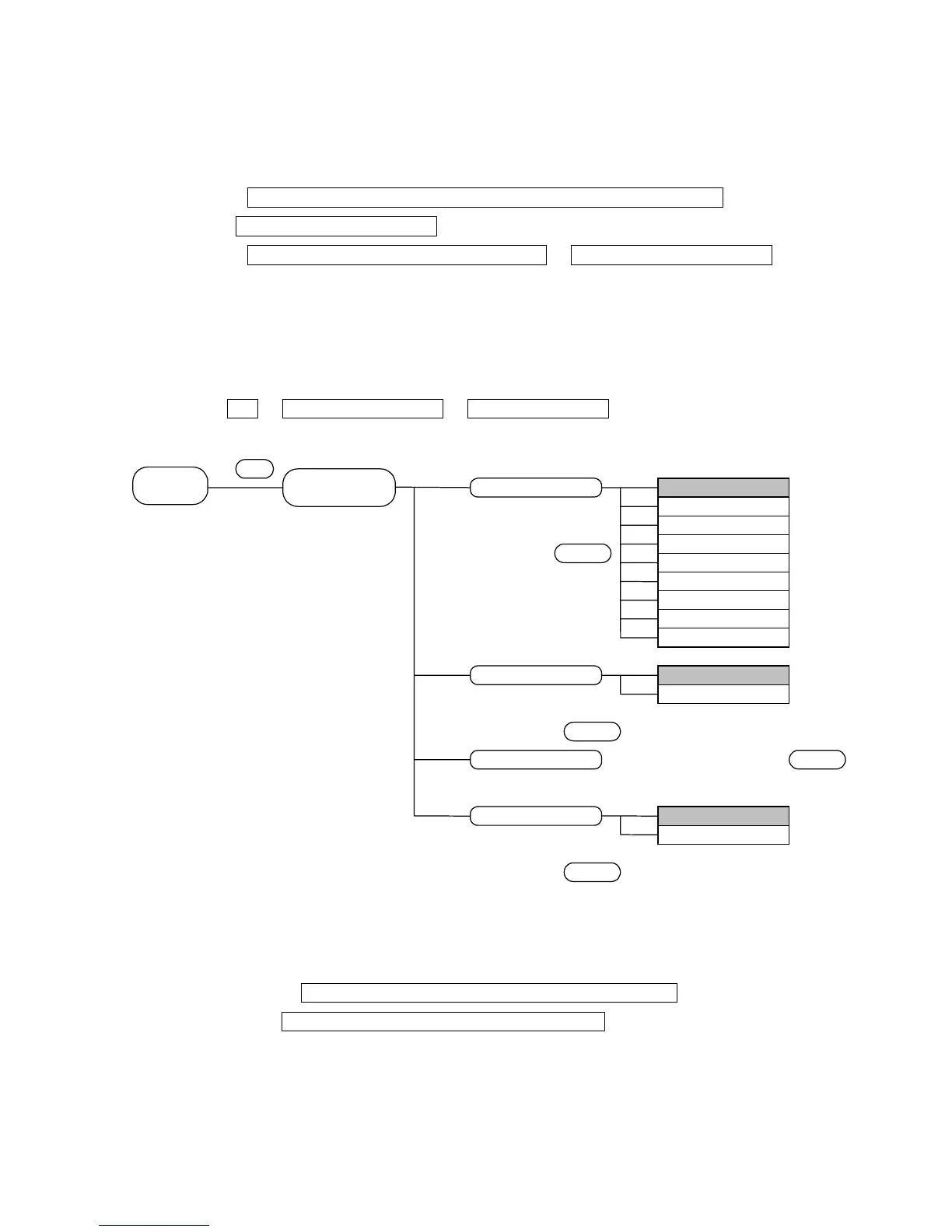
TOP → SETUP MENU[SETUP] → CONFIG SETUP[F2]
The menu is configured as shown below.
SETUP
HOTPLUG button execution mode
△△
P.
Program Group Mode
Program Mode
CONFIG SETUP
7.3.1 Setting the trigger for log execution
→ [F1 or F2] to select trigger item of ANALYSIS TRIGGER →
[ENTER] to enter selection or ??selection-to-be??
Set the trigger for capturing the log for log execution.
Align the cursor with the trigger for setting ANALYSIS TRIGGER, and change
the ON/OFF status of the check button.
25



 To Next Page