2) Edit the SINK data among the program data.
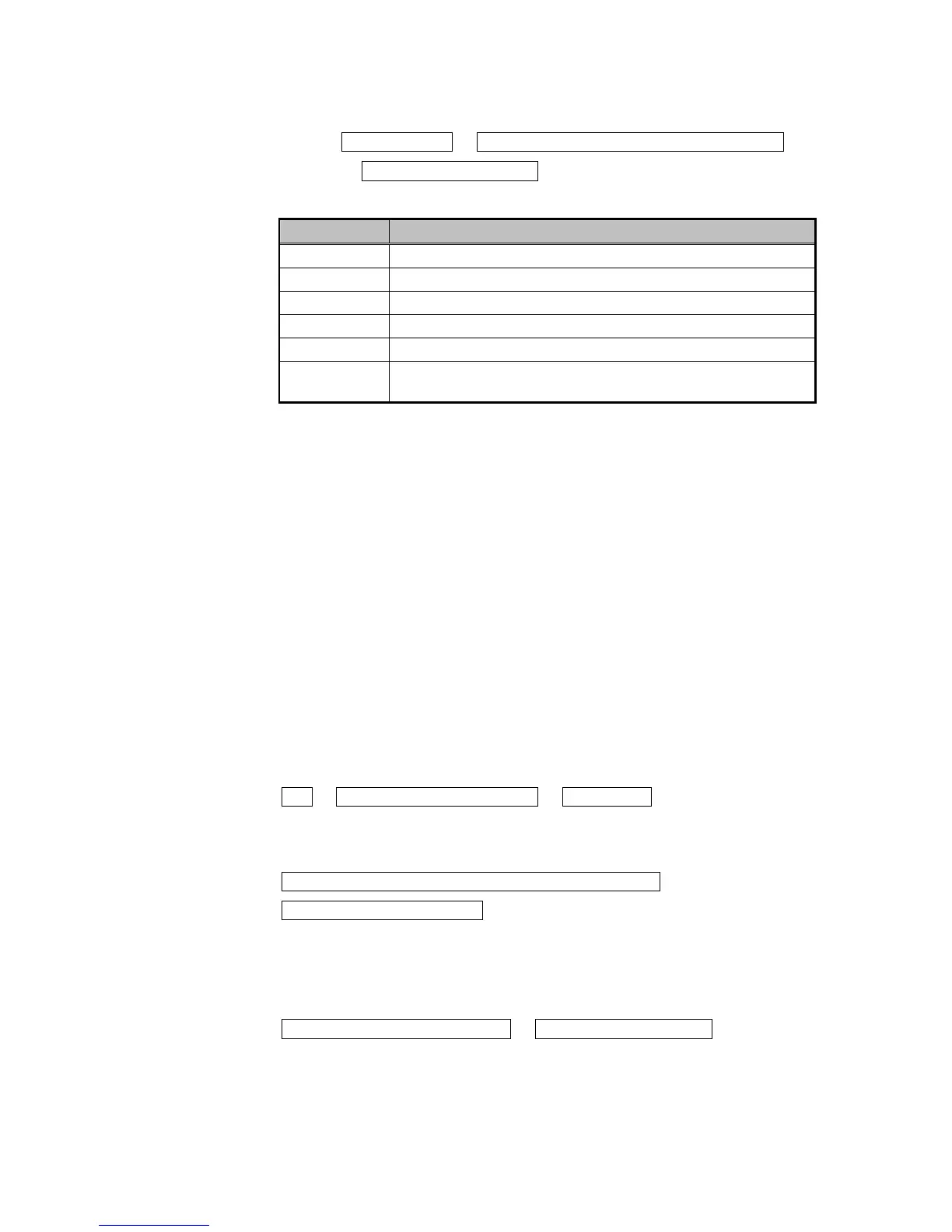
SINK Setup [F1] → [Rotary key] or F2 or F3 to select item to be set
→ Switch to check button ON
Details of the items are listed below.
Item Details
Repeater For using the VA-1809 as a repeater.
Receiver For using the VA-1809 as a receiver (simple monitor).
DVI For using the VA-1809 as a DVI monitor (repeater).
HDMI For using the VA-1809 as an HDMI monitor (repeater).
HDCP ON For using the VA-1809 as a monitor (repeater) that supports HDCP.
HDCP OFF
For using the VA-1809 as a monitor (repeater) that does not support
HDCP.
* When using the VA-1809 as a receiver, no signals will be output from the
HDMI connector or COAX OUT connector.
* When using the VA-1809 as DVI monitor (repeater), no sound can be input.
* If HDMI pictures using HDCP are input when HDCP is supported, they cannot
be output from the VGA output connector.
* To save the program data on a card or as an internal pattern, move to SAVE
MENU.
* To read the data saved, the execution mode must be set to PROGRAM MODE.
Refer to page ???.
* When reading saved data, refer to page ???.
7.1.1.3 Creating groups
The VA-1809 enables the data in up to ten program to be selected from among all
the program data and executed.
Proceed as instructed in the steps below.
TOP → PROGRAMEXE[PROGRAM] → LISTEdit[F1]
(1) Select the numbers of the programs in the group to be executed.
[Rotary key] to select numbers of programs to be executed →
[ENTER] to enter the selection
----------------------------選択画面表示-------------------------------------
(2) Select the program data to be executed.
[Rotary key] to select program data → [ENTER] to enter selection
----------------------------選択画面表示-------------------------------------
21



 To Next Page