Page | 20 Revision Date April 30, 2020 || Document Number UM-E71-314 || Rev B
astronics.com
5 Connecting to Sierra
5.1 Terminal Communication Settings
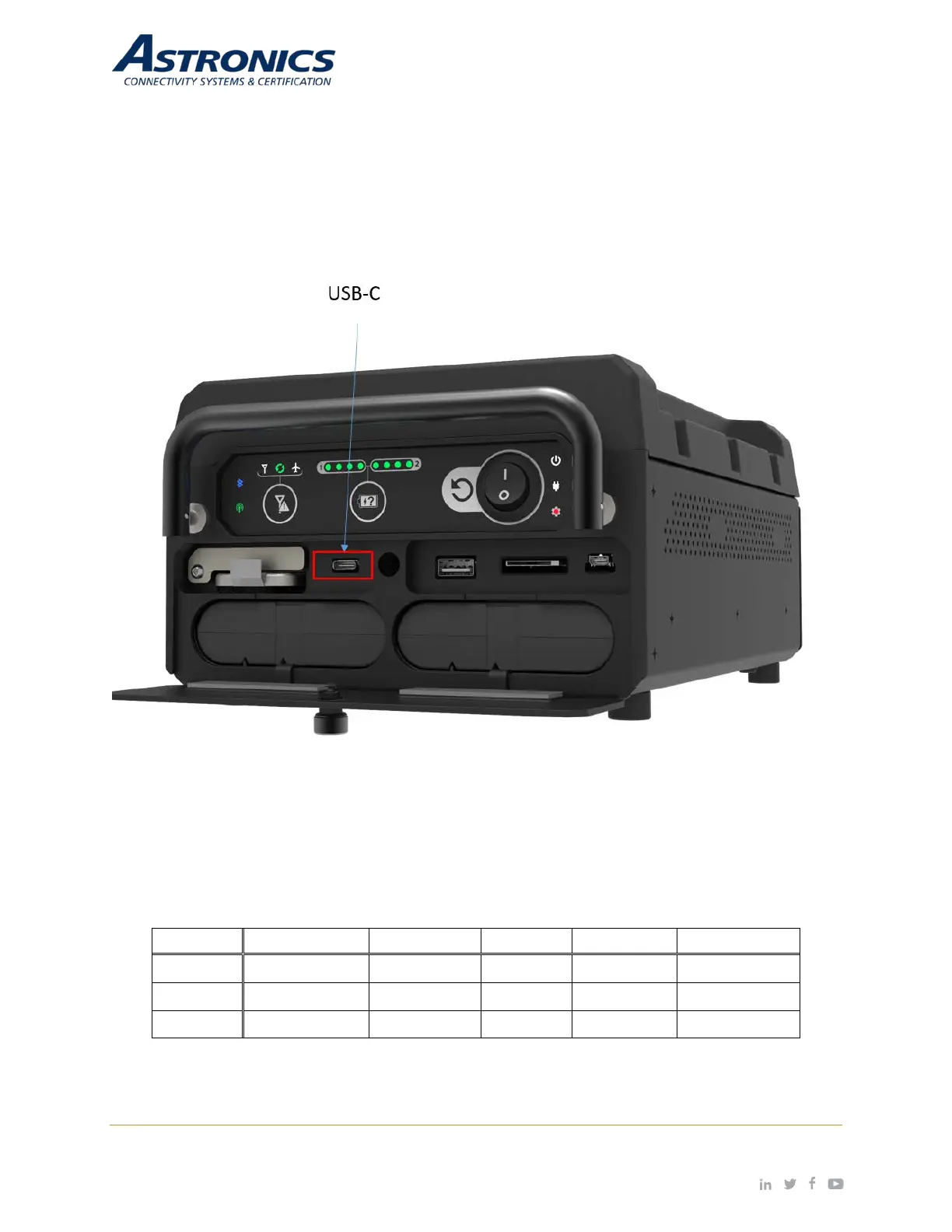
The integrated USB to UART provides console access via the USB-C port that is located behind the
battery door as shown in Figure 5-1. There is also an internal console for the cell modem, when
enabled. Use these settings to connect to the consoles:
Figure 5-1: USB-C connection
Use these settings to connect to the consoles:
Table 5-1: Com Port Settings


 To Next Page