1-1
Product introduction
1
1.1 Before you proceed
Take note of the following precautions before you install motherboard components or change
any motherboard settings.
• Unplugthepowercordfromthewallsocketbeforetouchinganycomponent.
• Beforehandlingcomponents,useagroundedwriststraportouchasafelygrounded
objectorametalobject,suchasthepowersupplycase,toavoiddamagingthemdue
to static electricity.
• HoldcomponentsbytheedgestoavoidtouchingtheICsonthem.
• Wheneveryouuninstallanycomponent,placeitonagroundedantistaticpadorinthe
bag that came with the component.
• Beforeyouinstallorremoveanycomponent,ensurethattheATXpowersupplyis
switched off or the power cord is detached from the power supply. Failure to do so
maycauseseveredamagetothemotherboard,peripherals,orcomponents.
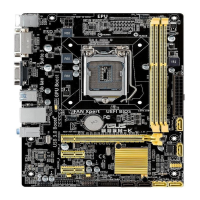
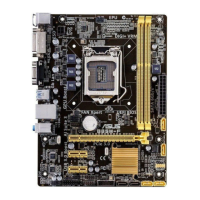
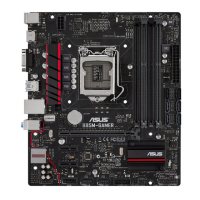
1.2 Motherboard overview
Beforeyouinstallthemotherboard,studythecongurationofyourchassistoensurethatthe
motherboardtsintoit.
Ensurethatyouunplugthepowercordbeforeinstallingorremovingthemotherboard.
Failure to do so can cause you physical injury and damage motherboard components.
1.2.1 Placement direction
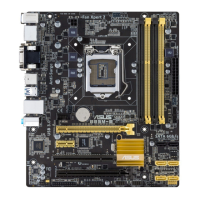
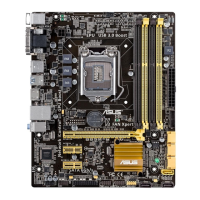
Wheninstallingthemotherboard,ensurethatyouplaceitintothechassisinthecorrect
orientation. The edge with external ports goes to the rear part of the chassis as indicated in
the image below.
E10185_B85M-K_PLUS_Guide.indb 1 2015/2/13 14:25:08



 To Next Page