14
ASUS CUSL2-C User’s Manual
3. HARDWARE SETUP
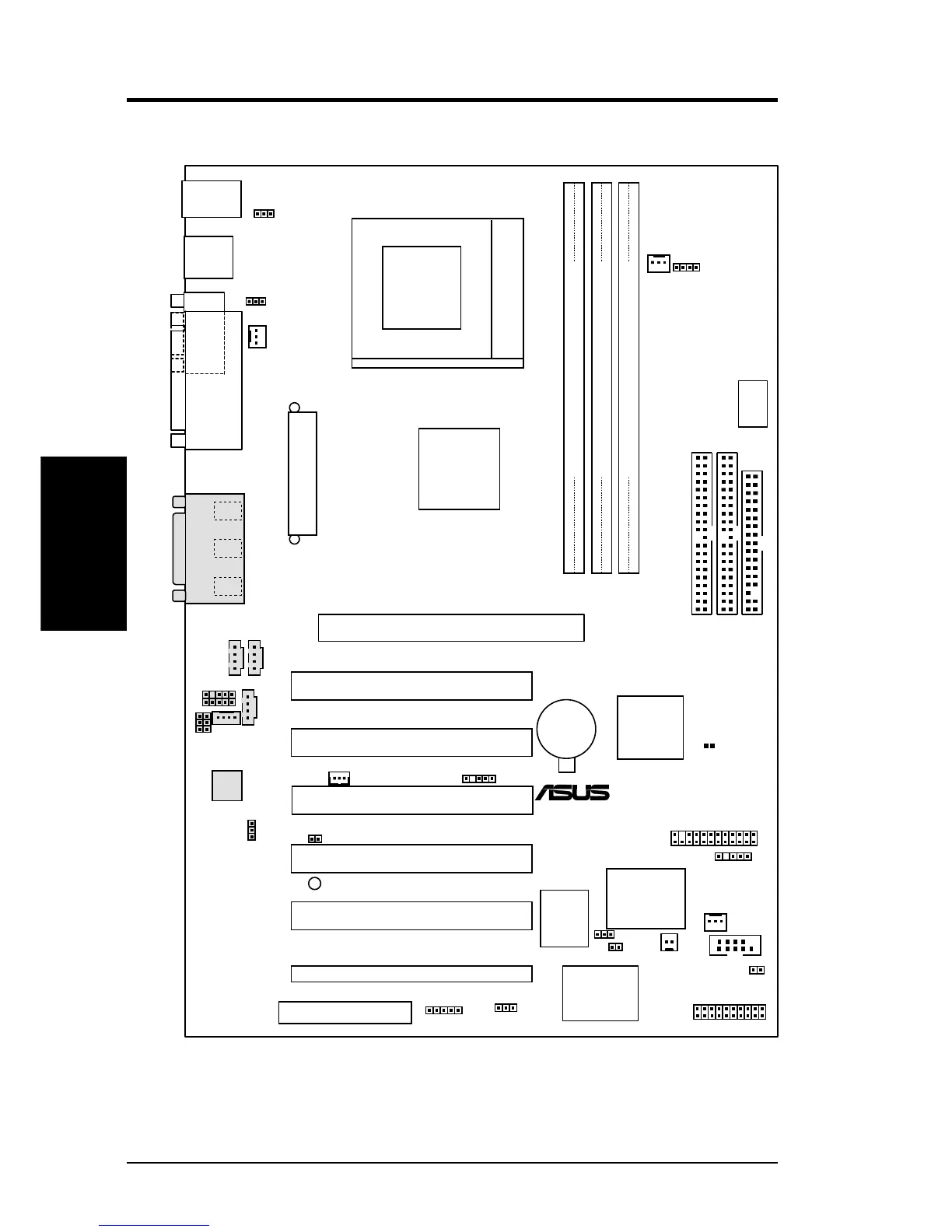
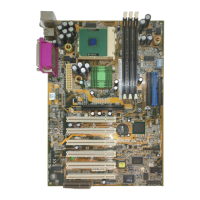
3.1 CUSL2-C Motherboard Layout
JTPWR
PS/2KBMS
T: Mouse
B: Keyboard
PWR_FAN
GAME_AUDIO
Mic
In
Line
Out
Line
In
PCI1
PCI2
PCI4
PCI3
PANEL
IDELED
FLOPPY
SECONDARY IDE
PRIMARY IDE
CUSL2-C
CHA_FAN
VIDEO
CD1
AUX
®
PLED2
Accelerated Graphics Port (AGP)
CR2032 3V
Lithium Cell
CMOS Power
DIMM1 (64/72 bit, 168-pin module)
1
0
DIMM2 (64/72 bit, 168-pin module)
3
2
CLRTC
DSW
USB2
Socket 370
Audio
Codec
Setting
USB
T: Port1
B: Port
2
COM1
PARALLEL PORT
PCI5
CNR1
Audio
Codec
Super
I/O
ATX Power Connector
CPU_FAN
Firmware
Hub
(FWH)
MODEM
ACHA
WOL_CON
WOR
AAPANEL
MIC2
EARPHONE
JEN
COM2
AFPANEL
ROW
DIMM3 (64/72 bit, 168-pin module)
5
4
DIP
Switches
PCI6
ASUS ASIC
with
Hardware
Monitor
VIO
Intel I/O
Controller
Hub
(ICH2)
Intel
815EP
Chipset
USBPWR01
KBPWR
SMB
USBPWR56
USBP56
Motherboard Layout
3. H/W SETUP
Grayed components are optional at the time of purchase.


 To Next Page