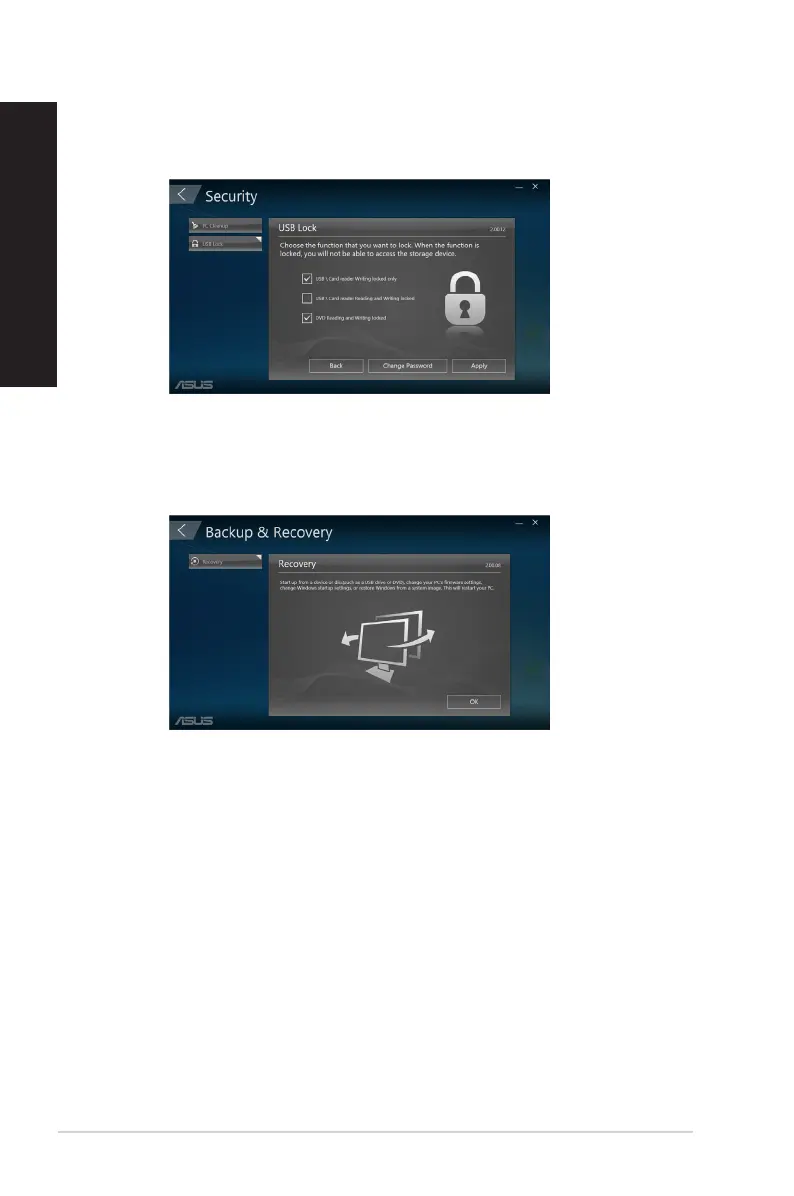
Backup & Recovery
Click Recovery on the main ASUS Manager screen to begin Windows maintenance tasks
such as system restoration, adjusting startup settings and repairing Windows with a recovery
disk.
USB Lock
The USB Lock feature secures your USB ports, card reader and optical drive from unwanted
access by setting up a password.
54
Chapter 5: Using ASUS Business Manager
ENGLISH
ENGLISH



 To Next Page