Power
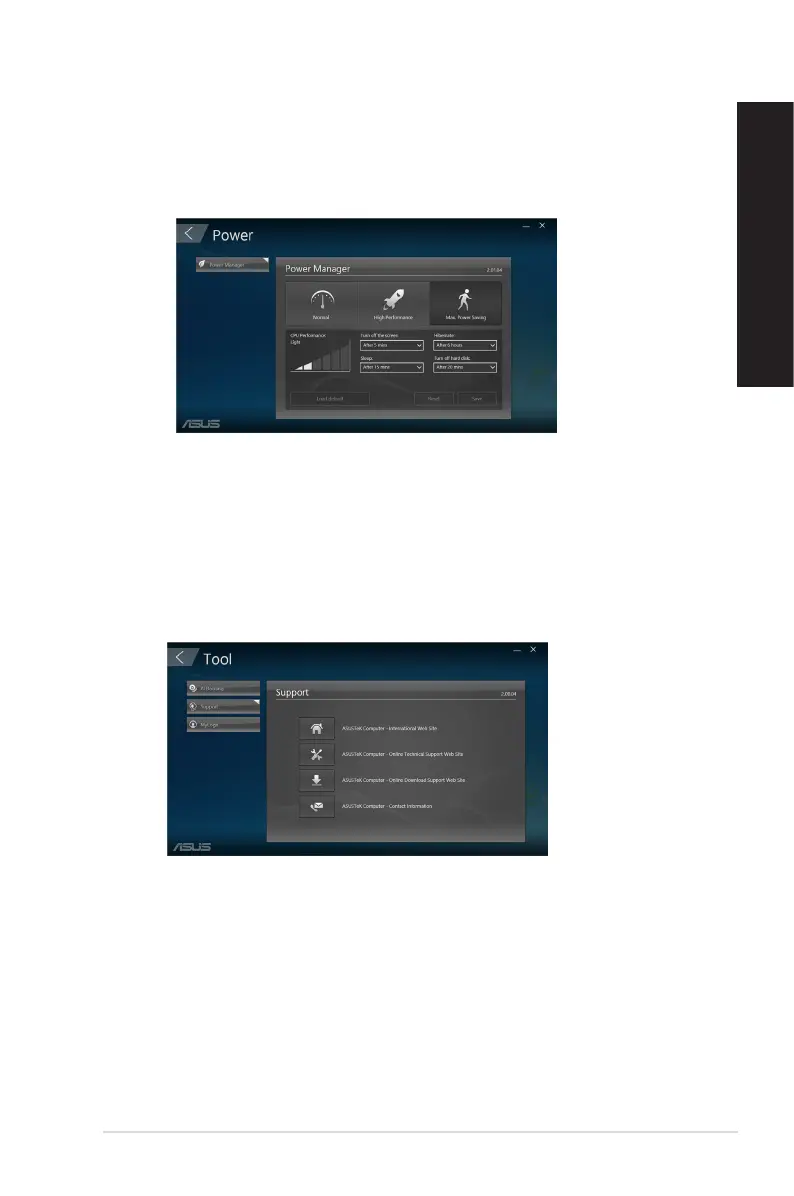
Click Power on the main ASUS Manager screen to congure power management. With
Power Manager, you can specity time settings for system hibernation, sleep, display and hard
drive activity.
Tool
Click Tool on the main ASUS Manager screen to access the Support screen, Ai Booting or
MyLogo.
Support
Support lists links to ASUS support web sites and contact information.
ASUS Desktop PC
55
ENGLISH
ENGLISH



 To Next Page