14
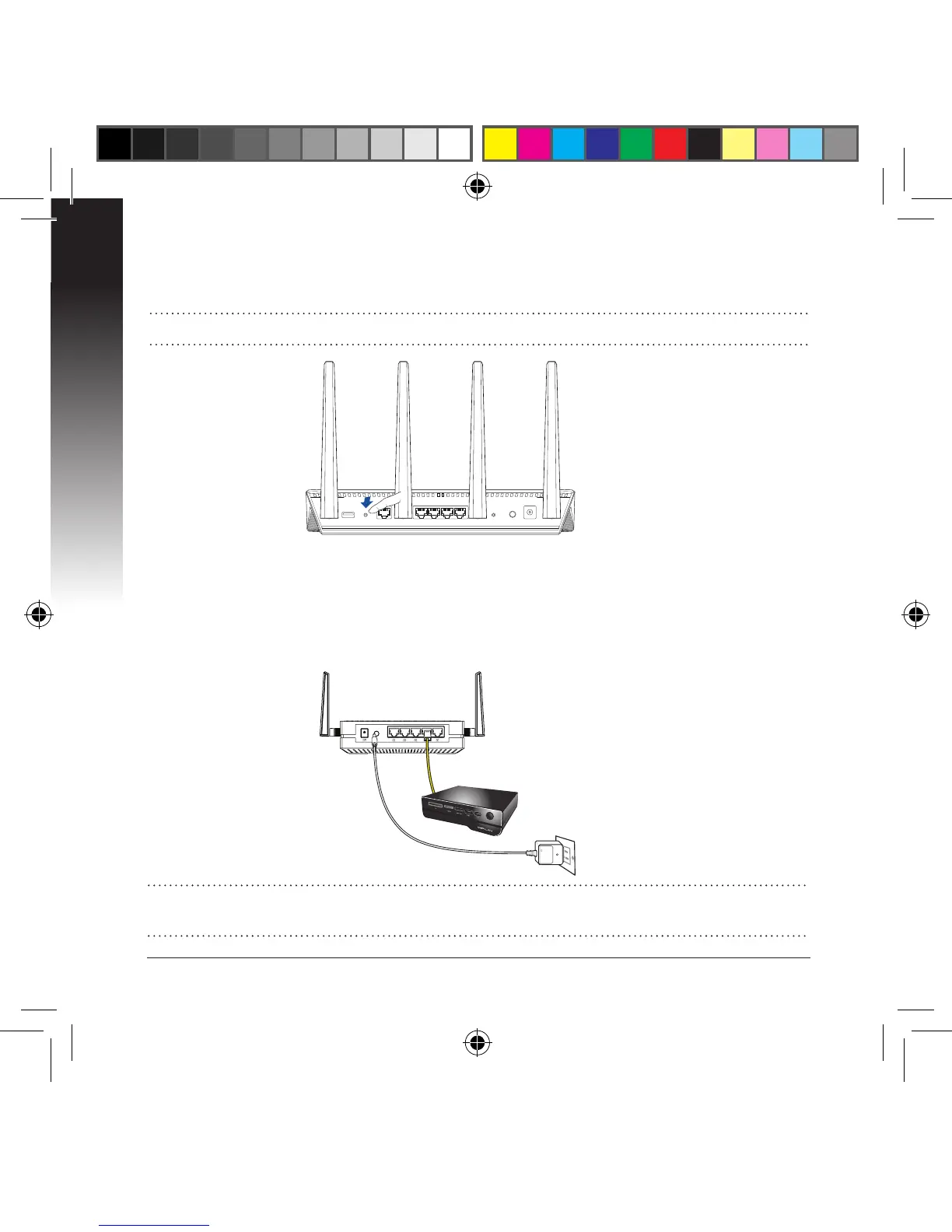
NOTE: Refer to the router’s user manual for the location of its WPS button.
c. Press the WPS button of your router.
d. Wait until at least one of the LED signal indicators turns to a solid light, which
indicates that it has successfully established connection with your wireless
network.
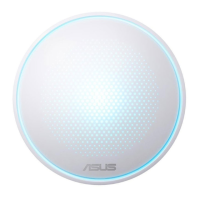
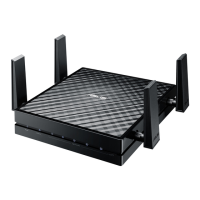
e. Using the bundled network cable, connect your smart TV, set-top box, HD me-
dia player, or other Ethernet-enabled device, to your EA-AC87’s LAN port.
NOTE: You can also connect your EA-AC87 to your wireless network via the Web
GUI. For more details, refer to the section Setting up via web-based interface.


 To Next Page