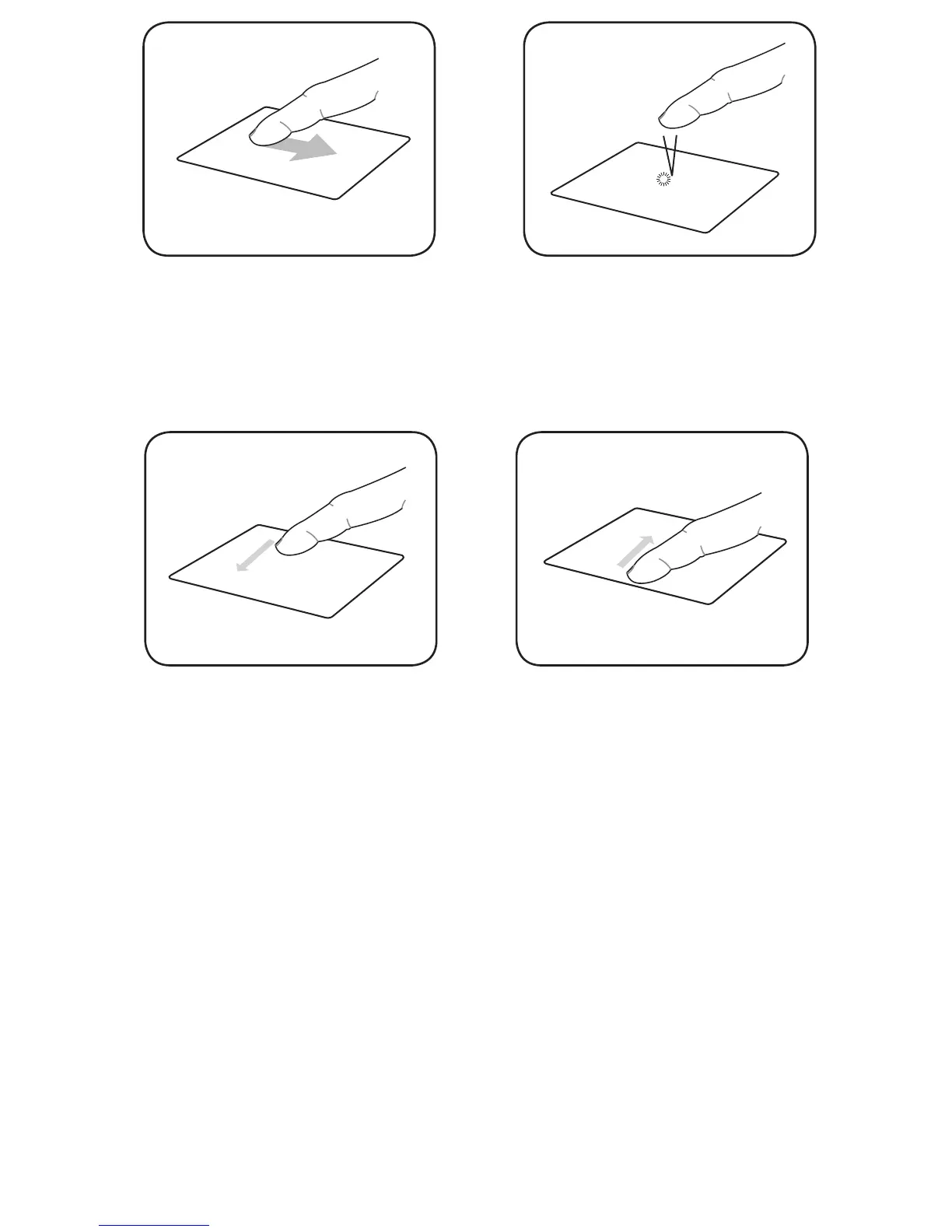
Hide the function bar
When reading an e-book, move your
finger in a downward motion on the
touch panel.
Single tap
Tap once to select an item.
Next page
When reading an e-book, move your
finger from right to left on the touch
panel.
Previous page
When reading an e-book, move your
finger from left to right on the touch
panel.
Accessing e-books
Reading an e-book
To read an e-book:
1. From the home screen, tap Books.
2. From the menu at the bottom of the screen, tap Title, Author, Added Time,
Read Time or Tag to select an
e-book under these lists.



 To Next Page