Viewing your annotations
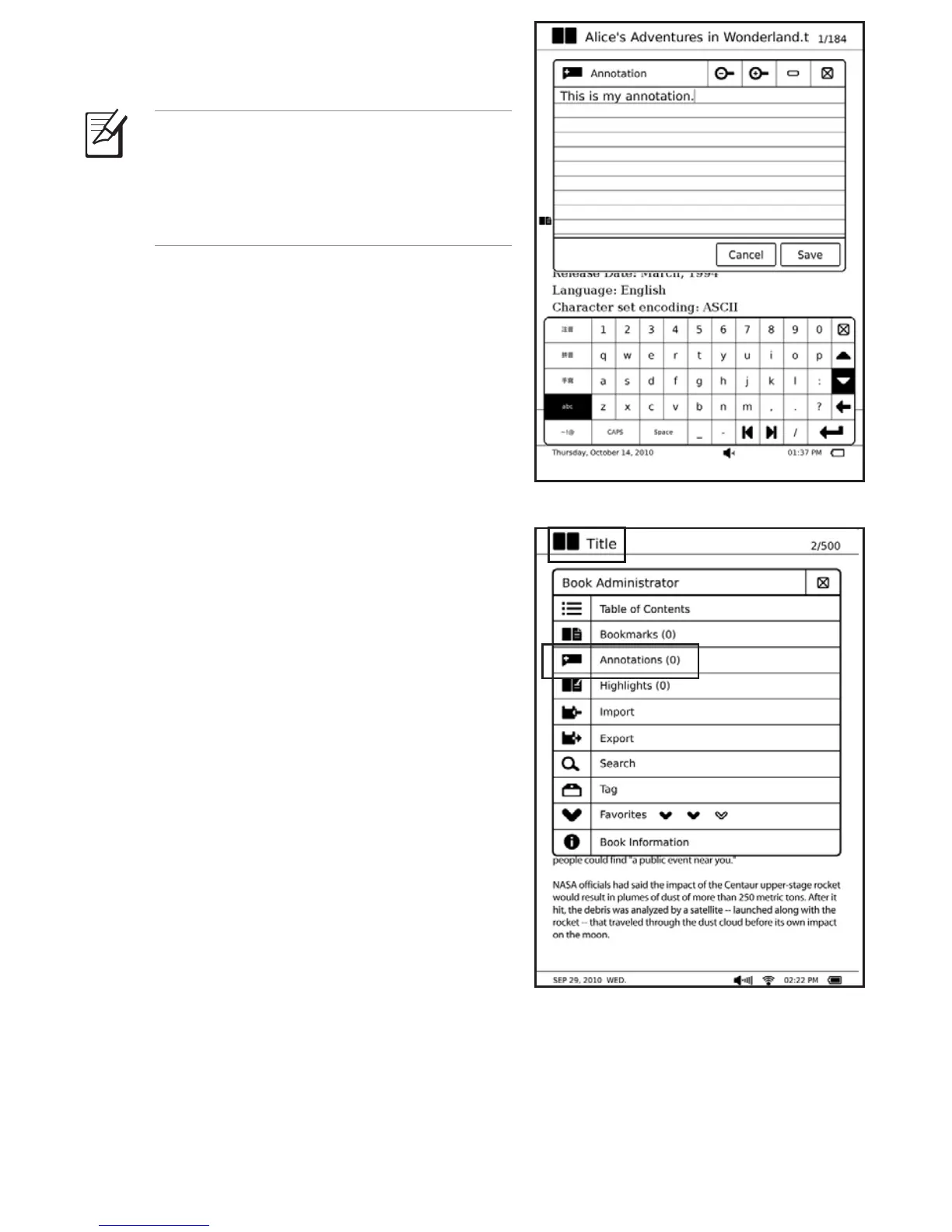
To view your list of annotations:
1. From the open e-book, tap the e-book title
at the upper left of your touch panel.
2. From the Book Administrator menu,
tap Annotations to display your list of
annotations.
3. From the list, select the page that you want
to view.
5. Use the virtual keyboard to write notes.
6. When done, tap Save.
NOTE: You may import or export
annotations, highlights, and bookmarks.
For more details, refer to the section
Using the Go to, Export, and Import
functions.



 To Next Page