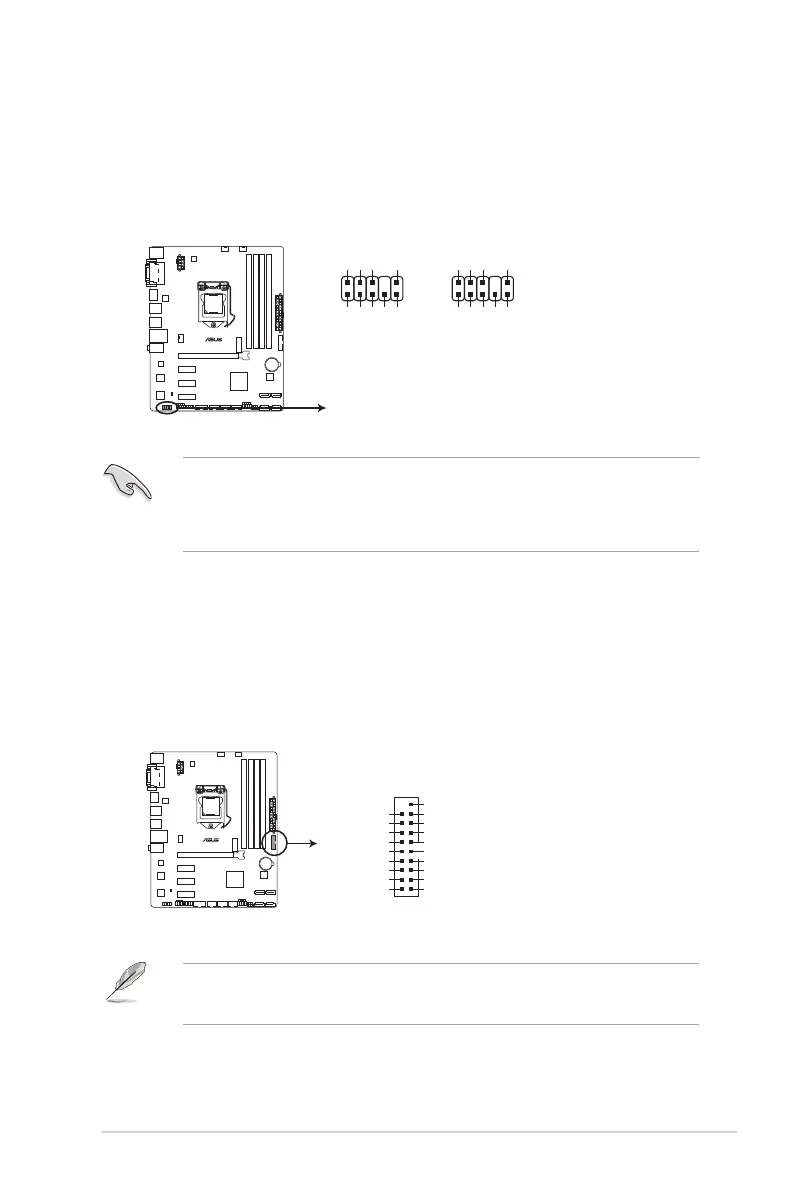
5. Front panel audio connector (10-1 pin AAFP)
Thisconnectorisforachassis-mountedfrontpanelHDaudioI/Omodule.Connectone
endofthefrontpanelaudioI/Omodulecabletothisconnector.
• Werecommendthatyouconnectahigh-denitionfrontpanelaudiomoduletothis
connectortoavailofthemotherboard’shigh-denitionaudiocapability.
• Ifyouwanttoconnectahigh-denitionoranAC’97frontpanelaudiomoduletothis
connector,settheFrontPanelTypeitemintheBIOSsetupto[HD]or[AC97].
H97M-E
H97M-E Front panel audio connector
AAFP
AGND
NC
SENSE1_RETUR
SENSE2_RETUR
PORT1 L
PORT1 R
PORT2 R
SENSE_SEND
PORT2 L
HD-audio-compliant
pin definition
PIN 1
AGND
NC
NC
NC
MIC2
MICPWR
Line out_R
NC
Line out_L
Legacy AC’97
compliant definition
6. USB 3.0 connector (20-1 pin USB3_12)
ThisconnectorallowsyoutoconnectaUSB3.0moduleforadditionalUSB3.0front
orrearpanelports.WithaninstalledUSB3.0module,youcanenjoyallthebenets
ofUSB3.0includingfasterdatatransferspeedsupto5Gbps,fasterchargingtimefor
USB-chargeabledevices,optimizedpowerefciency,andbackwardcompatibilitywith
USB2.0.
• TheUSB3.0moduleispurchasedseparately.
• YoucanconnecttheASUSfrontpanelUSB3.0brackettothisconnector.
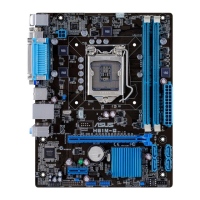
H97M-E
H97M-E USB3.0 Front panel connector
USB3_12
USB3+5V
IntA_P1_SSRX-
IntA_P1_SSRX+
GND
IntA_P1_SSTX-
IntA_P1_SSTX+
GND
IntA_P1_D-
IntA_P1_D+
GND
PIN 1
USB3+5V
IntA_P2_SSRX-
IntA_P2_SSRX+
GND
IntA_P2_SSTX-
IntA_P2_SSTX+
GND
IntA_P2_D-
IntA_P2_D+
ASUS H97M-E
1-15



 To Next Page