1.8 Onboard LEDs
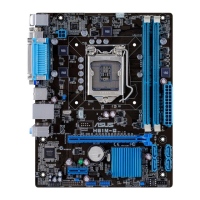
1. Standby Power LED
ThemotherboardcomeswithastandbypowerLEDthatlightsuptoindicatethatthe
systemisON,insleepmode,orinsoft-offmode.Thisisareminderthatyoushould
shutdownthesystemandunplugthepowercablebeforeremovingorplugginginany
motherboardcomponent.TheillustrationbelowshowsthelocationoftheonboardLED.
SB_PWR
H97M-E
H97M-E Onboard LED
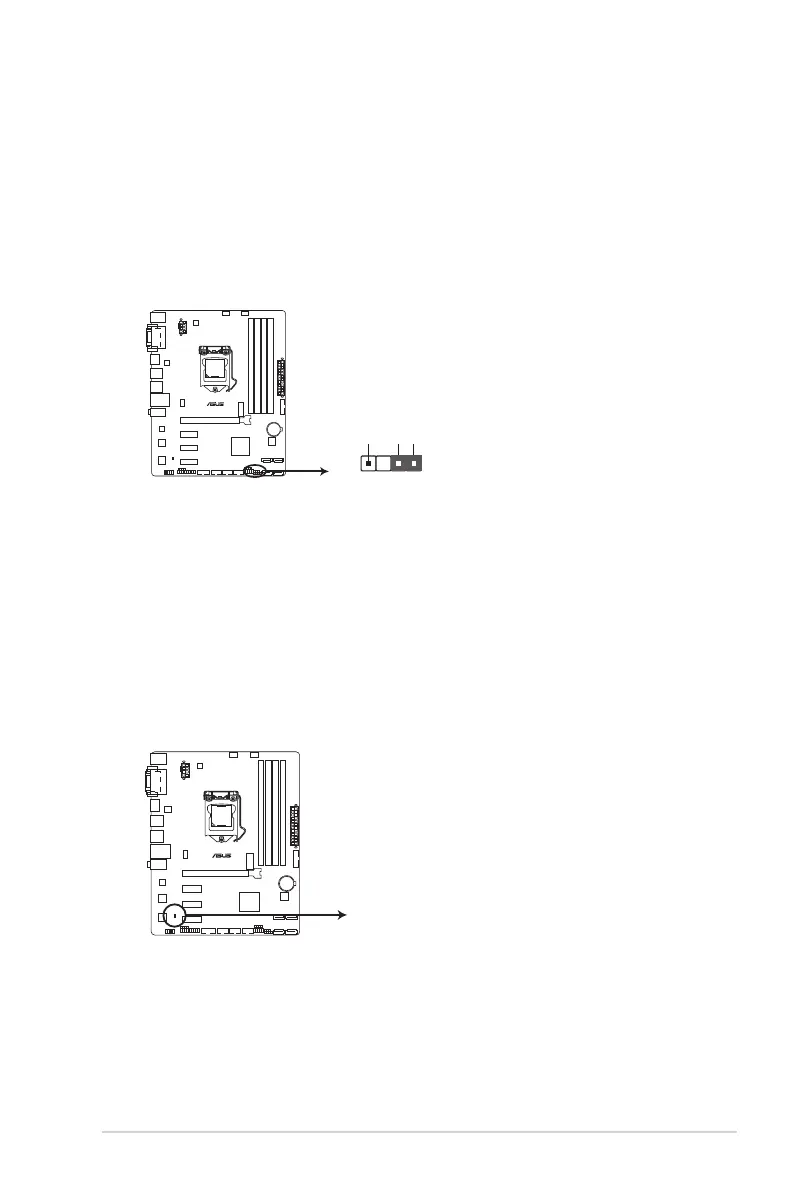
13. Chassis intrusion connector (4-1 pin CHASSIS)
Thisconnectorisforachassis-mountedintrusiondetectionsensororswitch.Connect
one end of the chassis intrusion sensor or switch cable to this connector. The chassis
intrusionsensororswitchsendsahigh-levelsignaltothisconnectorwhenachassis
componentisremovedorreplaced.Thesignalisthengeneratedasachassisintrusion
event.
Bydefault,thepinlabeled“ChassisSignal”and“Ground”areshortedwithajumper
cap.Removethejumpercapsonlywhenyouintendtousethechassisintrusion
detection feature.
H97M-E
PIN 1
+5VSB_MB
Chassis Signal
GND
CHASSIS
H97M-E Chassis intrusion connector
ASUS H97M-E
1-19



 To Next Page