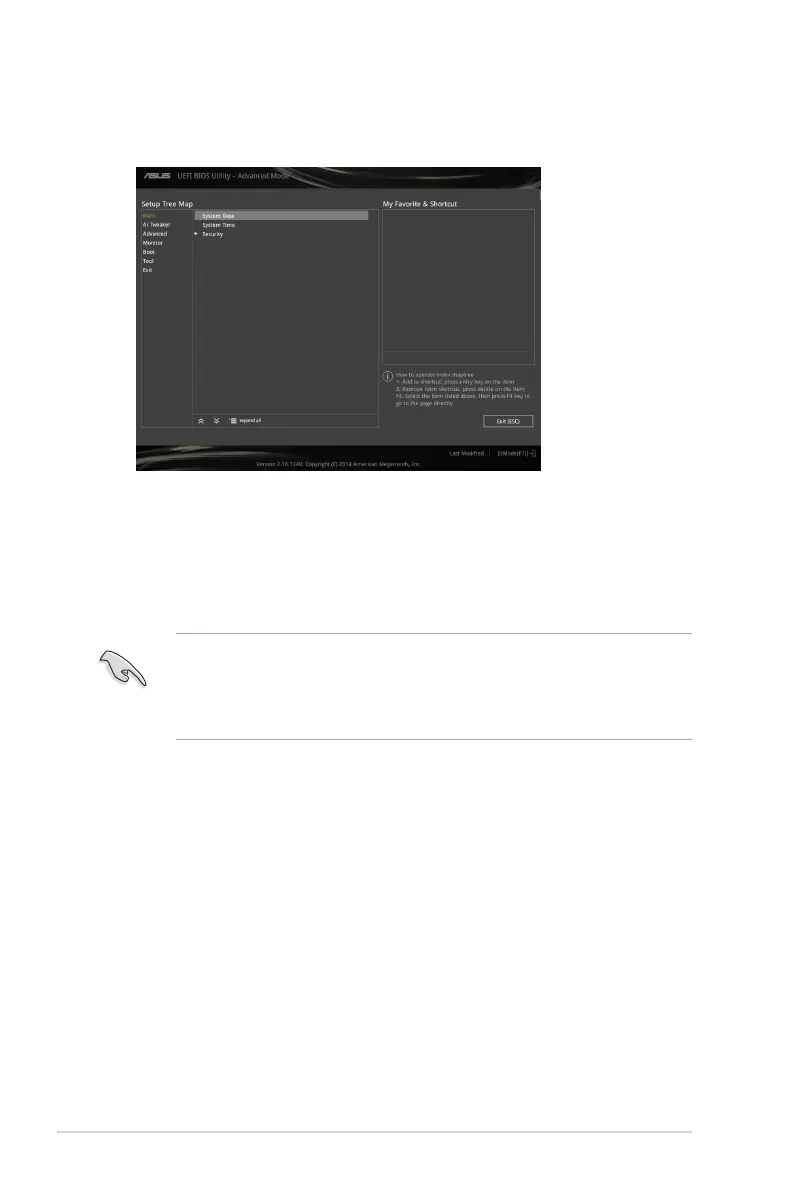
Adding items to My Favorites
To add frequently‑used BIOS items to My Favorites:
1. Press <F3> on your keyboard.
2. Use the arrow keys to select an item that you want to add. When using a mouse, select
the item and double‑click on the left button to add it to MyFavorite list.
You cannot add the following items to My Favorites:
• Items with submenu options
• User‑congurable items such as language and boot device order
• Conguration items such as Memory SPD Information, system time and date
2.3 My Favorites
MyFavorites is your personal space where you can easily save and access your favorite
BIOS items.
2-10
Chapter 2: Getting started



 To Next Page