Chapter 9
88
5. From the Remote Controller menu on your computer, click Start to establish a connection. Press
OK to exit reminder.
6. When the connection is established, press OK.
7. Tap the name of PowerPoint (.ppt) file to show then press Next.
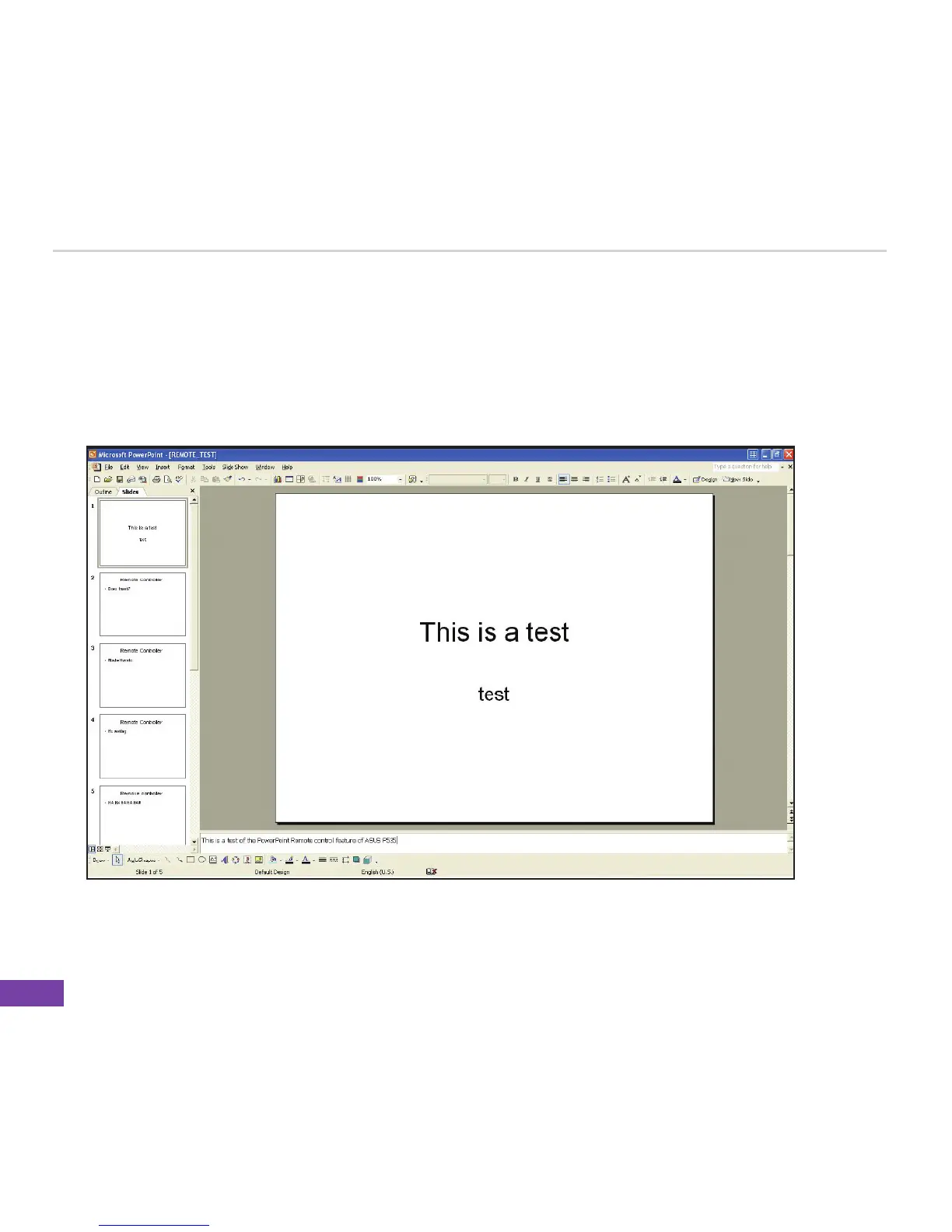
Upon selection, Microsoft
®
PowerPoint is automatically launched on your computer with the
selected file open.
8. You can now remotely control the PowerPoint presentation on your computer using your device.















 To Next Page