Chapter 1
12
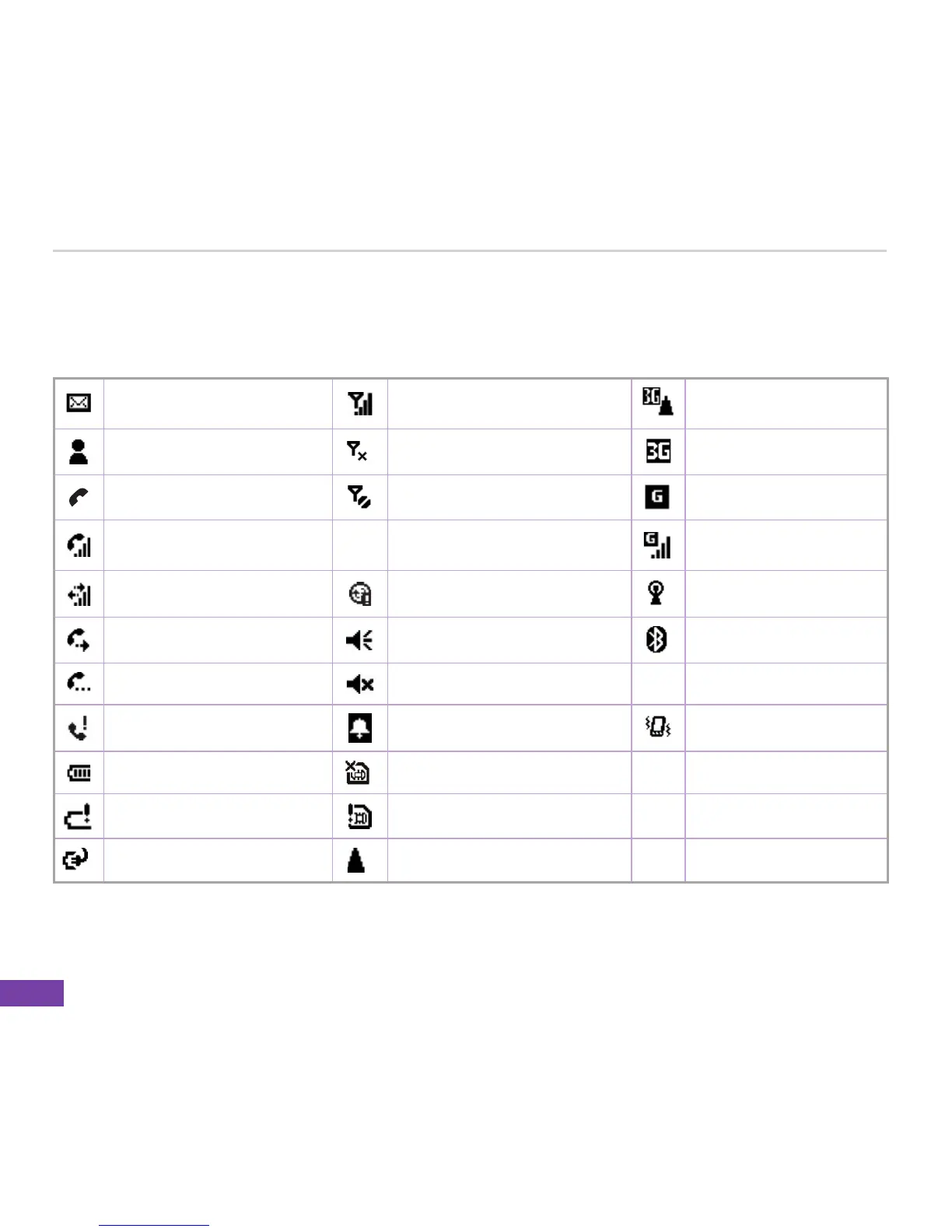
Status indicator icons
Status indicators appear at the top of the screen and on the Home screen. The following table lists
common status indicators and their meanings.
New e-mail or text message
(SMS)
Signal strength 3G Roaming
New instant message No signal 3G network available
Voice call No service GPRS available
Voice call in progress abc
Multipress input mode,
lowercase
GPRS in use
Data call in progress Synchronization error WiFi available
Calls are forwarded Sound ON. Bluetooth on
Call on hold Ringer off XT9 Input method, XT9 mode
Missed call Pending alarm Vibrating mode selected
Battery level Missing SIM card
Low battery Faulty SIM
Battery charging Roaming















 To Next Page