17
Entering data
2-2 Entering text, numbers, and symbols
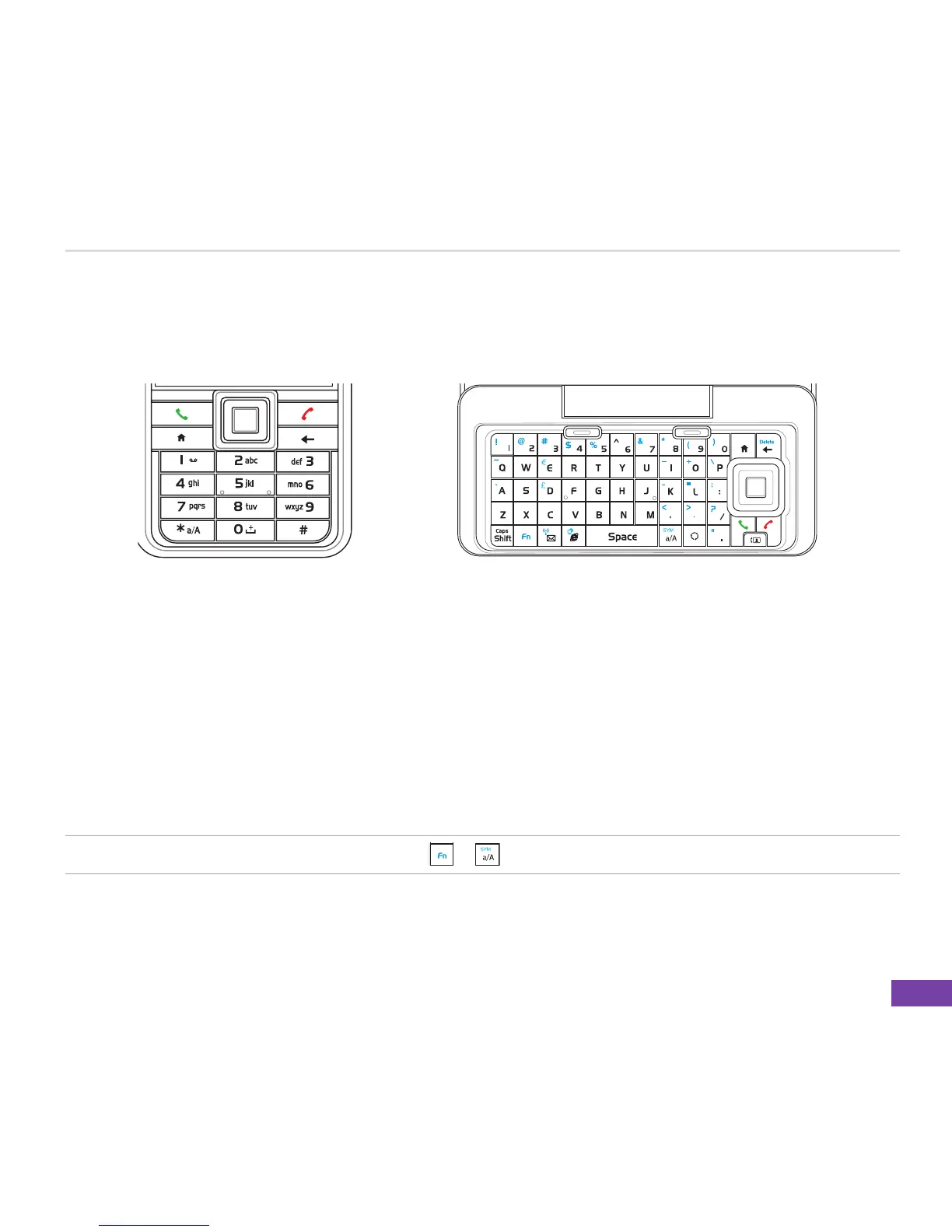
Use the alphanumeric keypad or QWERTY keypad to enter text, numbers, and symbols.
Your Smartphone supports two input modes for entering text and numbers: Multipress, and Numeric.
Multipress is used for entering text. When you select a field that requires text or numbers, the phone
automatically selects the appropriate input mode. The status indicator on the top right side of the
display screen shows the input mode that is currently active.
You may enter symbols from the alphanumeric/QWERTY keypad or from the table of available
symbols.
NOTE From the QWERTY keypad, press + to quickly open the Symbols table.
QWERTY keypad
(Main screen)
Alphanumeric keypad
(Sub screen)















 To Next Page