9
Learning to use your Smartphone
1-3 Charging your Smartphone
WARNING Use only the charger that comes with your Smartphone.
Make sure that the battery is fully charged before using the Smartphone for the first time. Initial battery
charging may take about eight (8) hours. You can charge the battery whether the phone is on or off.
A battery icon on the screen indicates the battery power level. Refer to “Status indicator icons” in
1-5 Home screen for battery icon indications.
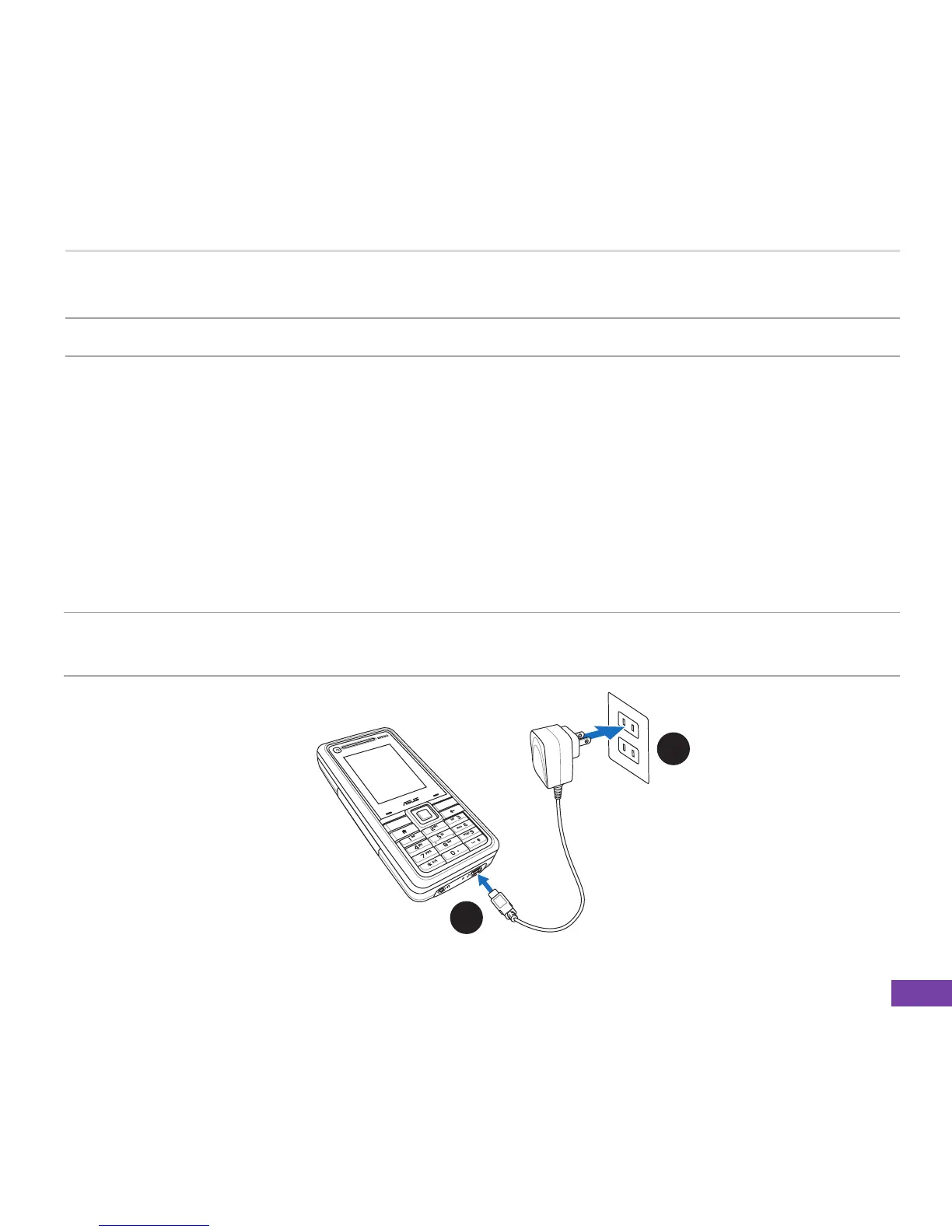
To charge the battery
1. Connect the AC adapter to a power source.
2. Connect the power cable plug to the mini USB port.
NOTE The power LED lights up amber to indicate that the battery is charging and lights up green
when the battery is fully-charged.
1
2















 To Next Page