65
Multimedia
8-2 iCam — The USB Webcam
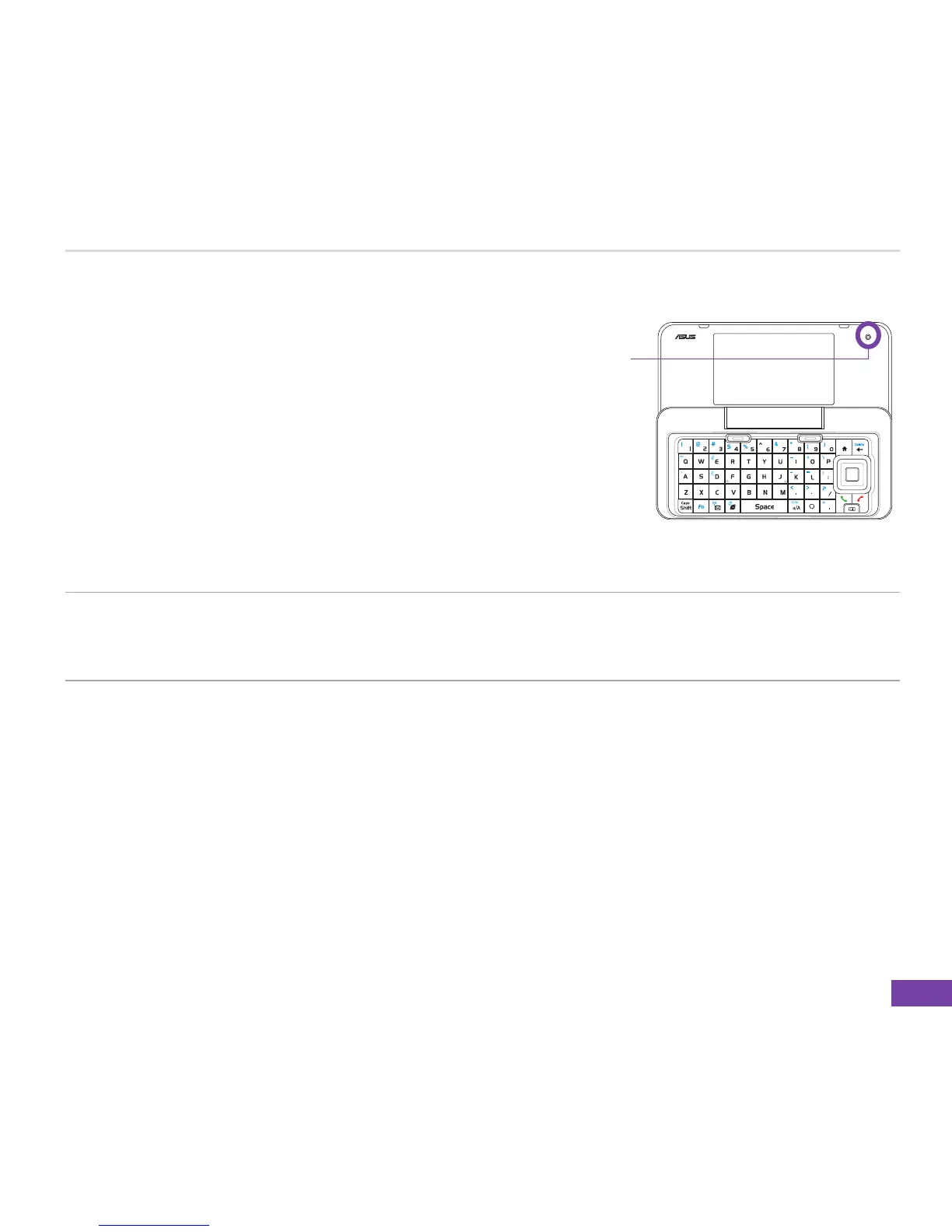
The VGA camera can be used as a USB webcam
when connected with a USB cable to your PC.
Meanwhile, you can still use other Windows
®
Mobile
functions.
To activate the webcam function
1. Connect your phone to a PC using the USB syncConnect your phone to a PC using the USB sync
cable.
2. On the Home screen, press Start > Setting > USB setting.
3. Scroll to USB-Webcam mode using the Left and Right navigation keys and press Done.
NOTE • When using the phone as a webcam, you cannot transmit your own images using the
VGA camera during a video call.
• The Skype version is limited if your PC is using Windows
®
Vista operating system.
VGA camera















 To Next Page