65
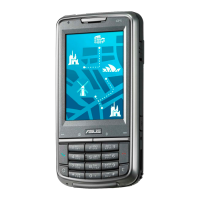
Your P535 allows you to connect via General Packet Radio Service (GPRS). GPRS is a
wireless communication standard that runs at speeds of up to 115 kbps, compared to 9.6
kbps of the current Global System for Mobile Communications (GSM). It supports a wide
range of bandwidths that allows sending and receiving small bursts of data, such as email
and web browsing. To set a GPRS connection in your device:
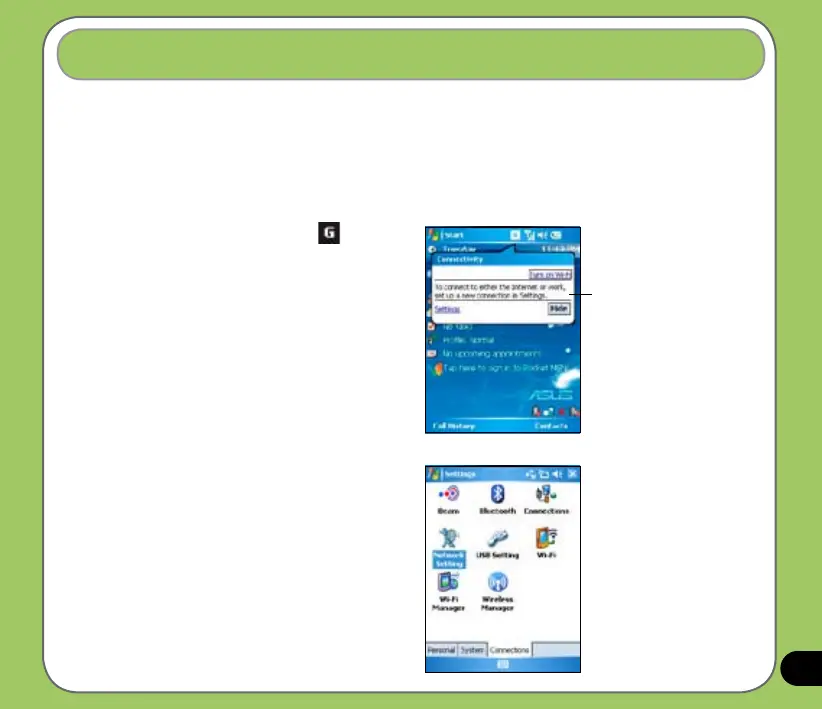
Setting a GPRS connection
1. From the Today screen, tap on the
status bar.
2. From the pop-up callout, tap Settings.
3. From the Settings screen, select
the Connections tab then tap
Connections icon.
Pop-up callout


 To Next Page