ASUS P6X58D-E 4-17
Chapter 4
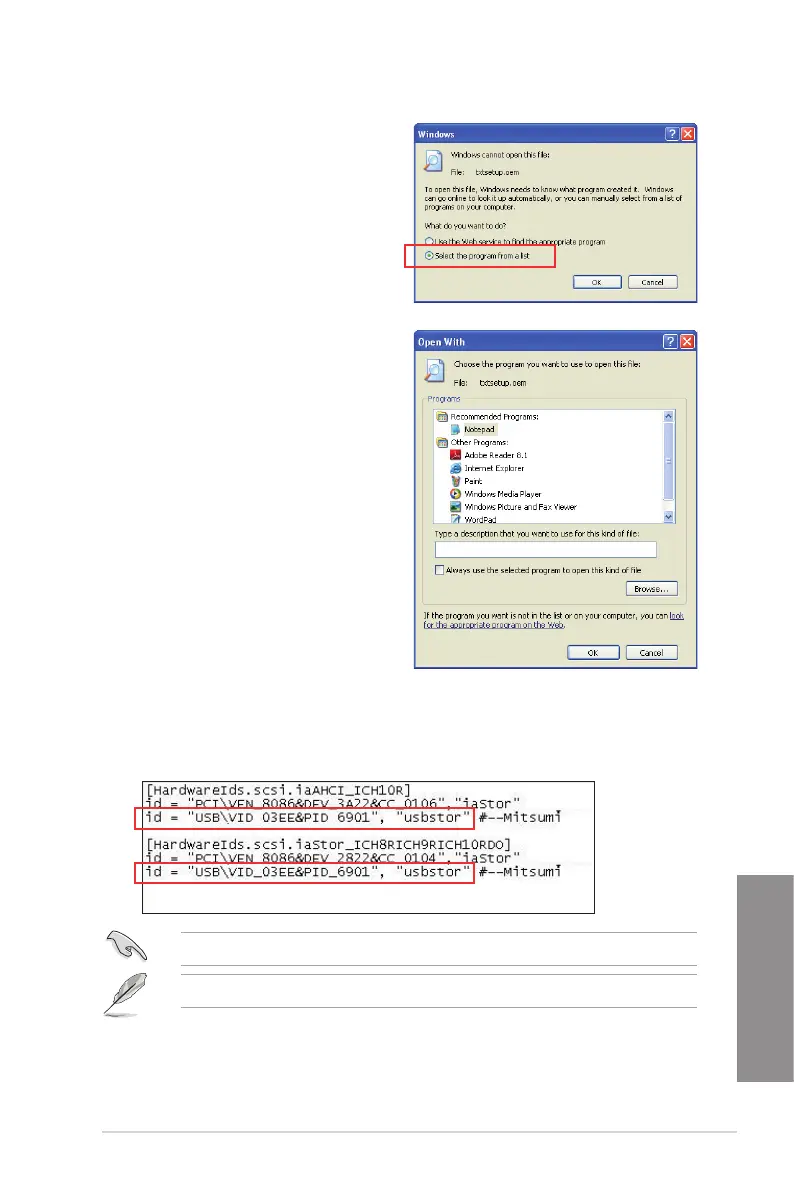
5. Browse the contents of the RAID driver
disk to locate the le txtsetup.oem.
6. Double-click the le. A window appears,
allowing you to select the program for
opening the oem le.
8. Find the [HardwareIds.scsi.iaAHCI_ICH10R] and
[HardwareIds.scsi.iastor_ICH8RICH9RICH10RDO] sections in the txtsetup.oem le.
9. Type the following line to the bottom of the two sections:
id = “USB\VID_xxxx&PID_xxxx”, “usbstor”
7. Use Notepad to open the le.
10. Save and exit the le.
Add the same line to both sections.
The VID and PID vary with different vendors.






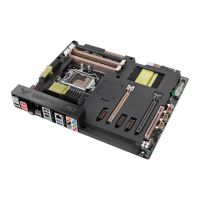

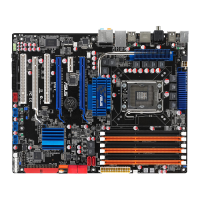
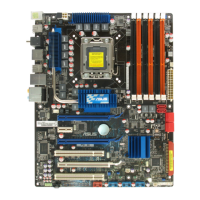

 To Next Page