ASUS P6X58D-E 3-25
Chapter 3
USB 2.0 Controller Mode [HiSpeed]
[FullSpeed] Sets the USB 2.0 controller mode to FullSpeed (12 Mbps).
[HiSpeed] Sets the USB 2.0 controller mode to HiSpeed (480 Mbps).
BIOS EHCI Hand-off [Enabled]
[Enabled] Enables the support for operating systems without an EHCI hand-off
feature.
[Disabled] Disables the function.
The following item appears only when you set USB Functions to [Enabled].
Legacy USB Support [Auto]
[Auto] Allows the system to detect the presence of USB devices at startup. If
detected, the USB controller legacy mode is enabled. If no USB device is
detected, the legacy USB support is disabled.
[Enabled] Enables the support for USB devices on legacy operating systems (OS).
[Disabled] Disables the function.
3.6.5 PCIPnP
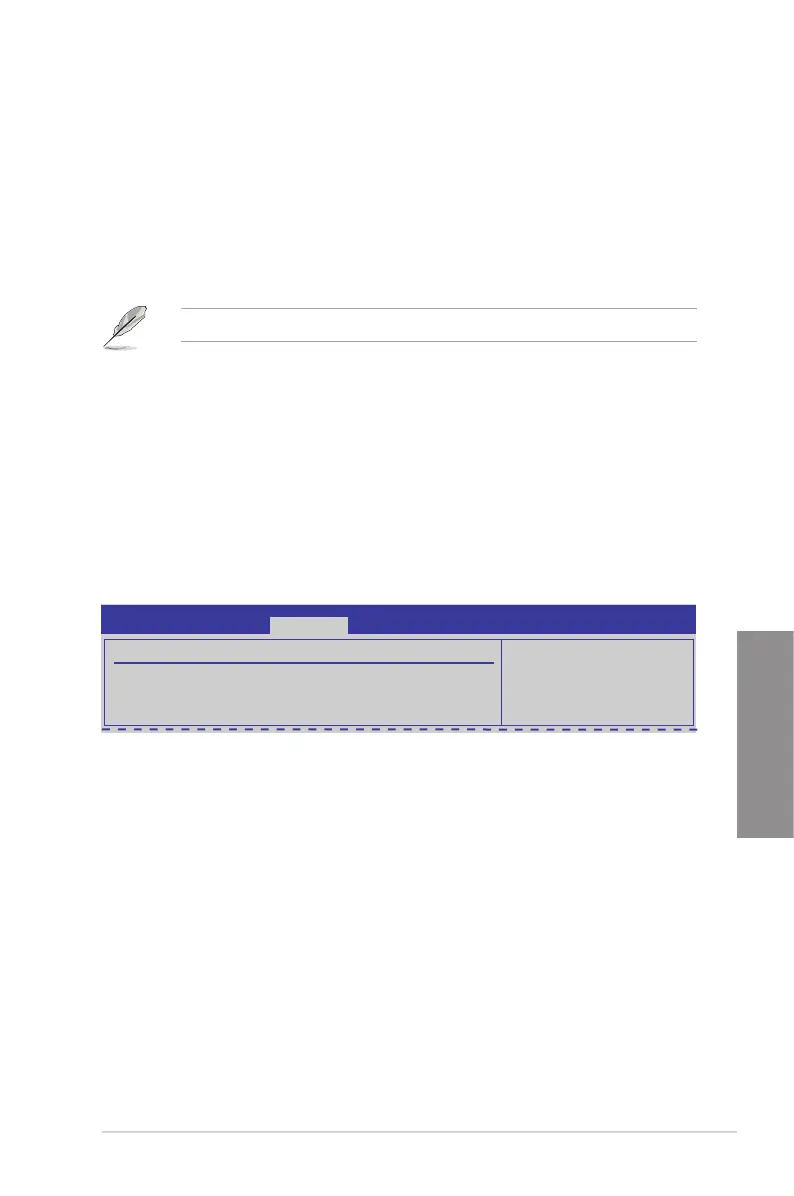
The PCI PnP menu items allow you to change the advanced settings for PCI/PnP devices.
Plug And Play O/S [No]
[Yes] When set to [Yes] and if you install a Plug and Play operating system, the
operating system congures the Plug and Play devices not required for
boot.
[No] When set to [No], BIOS congures all the devices in the system.
Advanced PCI/PnP Settings
WARNING: Setting wrong values in below sections
may cause system to malfunction.
Plug And Play O/S [No]
P6X58D-E BIOS Setup
Advanced








 To Next Page