Chapter 2
20 ASUS WLAN Adapter
Chapter 2 - Installation
Installation
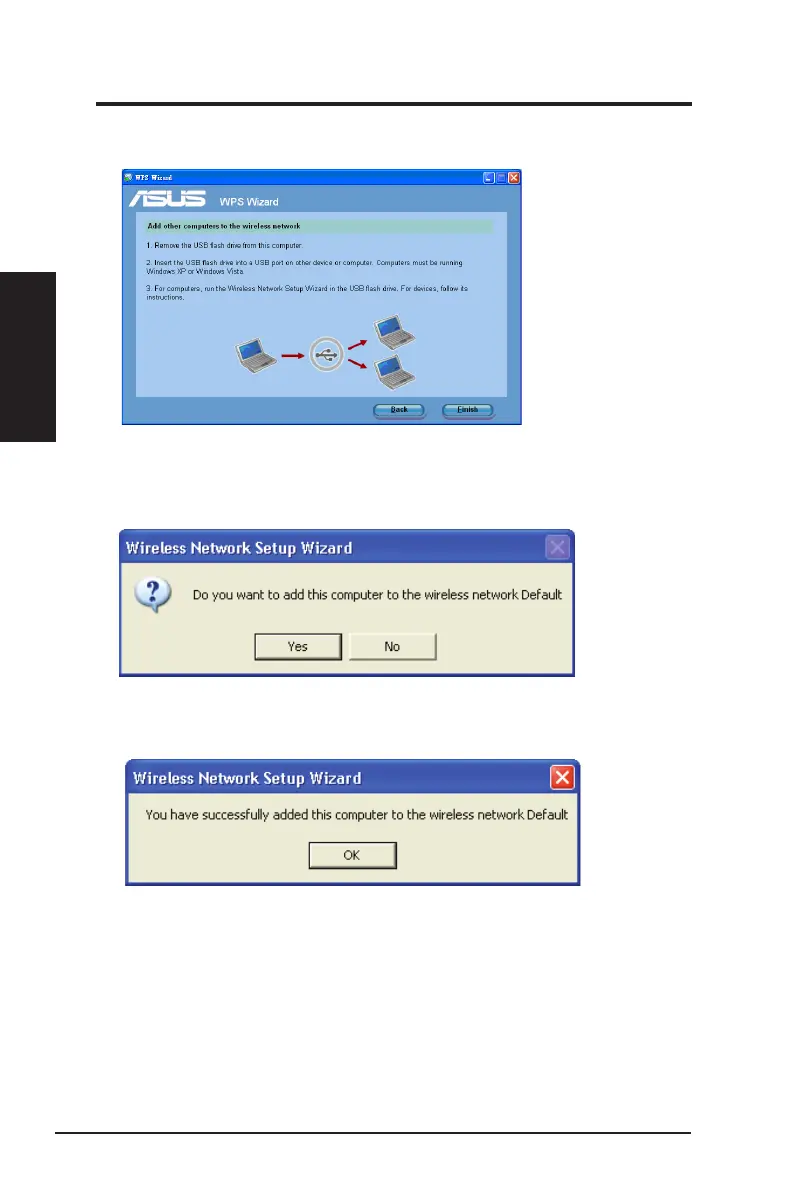
3. Remove the USB ash drive from this computer, and then plug to the computer
that you want to add to the wireless network.
4. Locate the SetupWireless.exe from the USB drive, and double-click to run it.
Click Yes to add the computer to the wireless network.
5. Click OK to exit the Wireless Network Setup Wizard.



 To Next Page