42 ASUS WLAN Adapter
Chapter 3 - Software Reference
Chapter 3
Software Reference
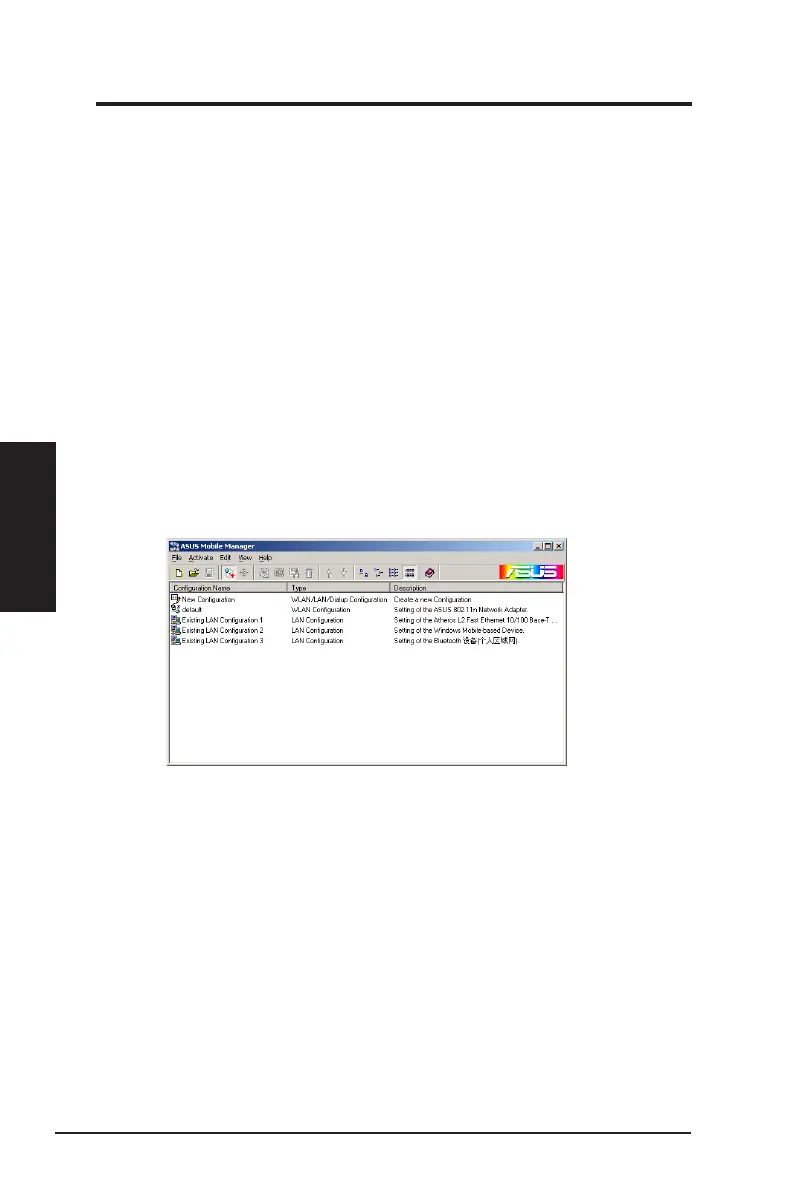
ASUS Mobile Manager
The Mobile Manager is a convenient tool to set up and manage network
location settings. In different places, you have to recongure settings for
confoming to the connectivity needs of the place.
Mobile Manager lets users congure multiple alternative congurations
for different locations. You just need to set once, and then easily activate
a conguration with a push of a button when you change location. Mobile
Manager would determine whether or not the new settings wourld require
rebooting Windows to take effect.
To launch the Mobile Manager utility:
1. Click the Windows
®
Start button. Select Programs > ASUS Utility >
WLAN Card > Mobile Manager, or right-click the Control Center icon
on the Windows
®
taskbar, then select Mobile Manager.
2. The Mobile Manager main window appears.



 To Next Page