EasyManua.ls Logo

Asus PhysX P1 - Uninstalling PhysX Software

Asus PhysX P1
120 pages
Print Icon
To Next Page IconTo Next Page
To Previous Page IconTo Previous Page
Loading...
15
ASUS PhysX
TM
Installation Guide
English
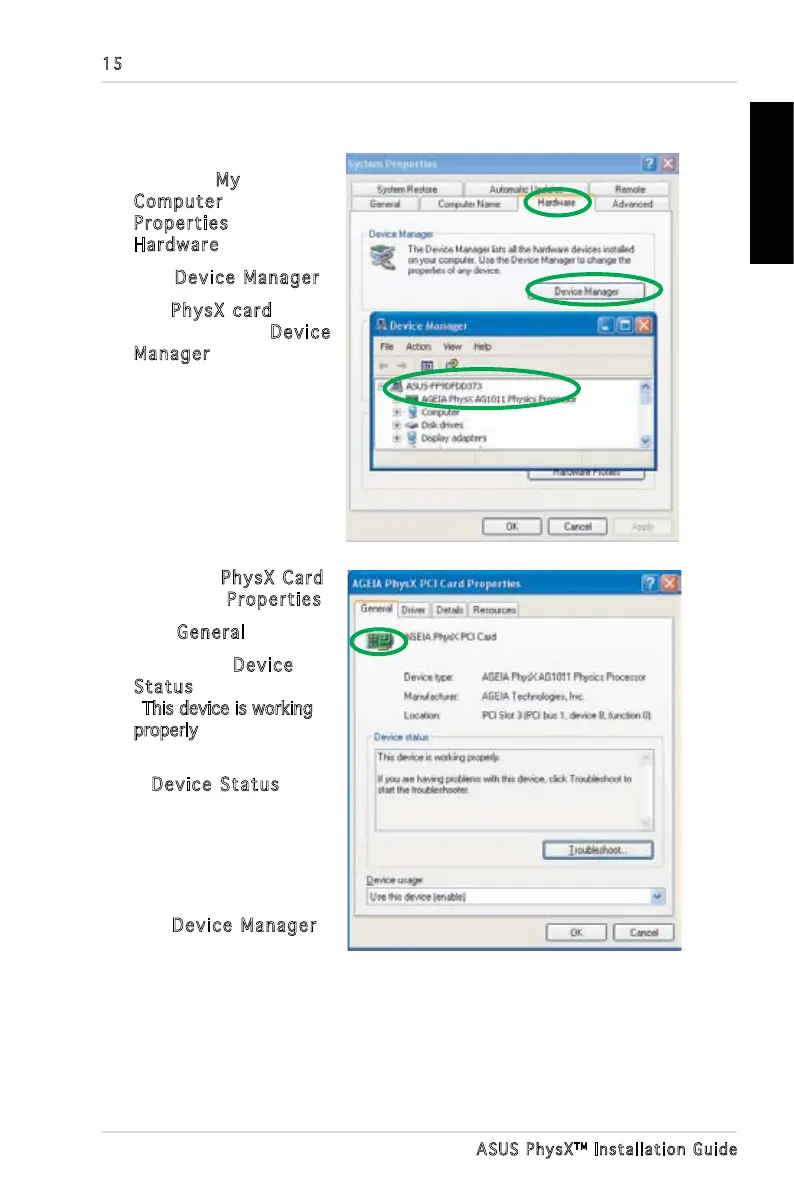
1. On your PC desktop,
right-click My
Computer, select
Properties >
Hardware.
2. Click
Device Manager.
3. Find
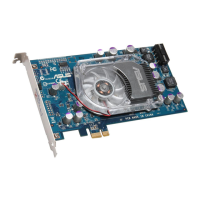
PhysX card
among the list in Device
Manager window, and
go to step 5.
4. If you can not nd
PhysX card in device
list,you may have to re-
install the card, or/and
plug power cable into the
card.
5. Right-click PhysX Card,
then select Properties.
6. Click
General tab.
7. Check if the
Device
Status text box displays
This device is working
properly” messege. if it
does, go to step 9.
8. If
Device Status does
not show the message,
try re-installing ASUS
PhysX device driver,
or use Windows
troubleshooting.
9. Exit
Device Manager.
3.2 Verifying the PhysX Card

Table of Contents

Other manuals for Asus PhysX P1

Related product manuals