13
Using the ROG Front Base
Overclocking with the CPU Level Up OC button
To perform overclocking, press the CPU Level Up OC button on the front panel of the
device for an instant CPU performance boosts.
NOTES:
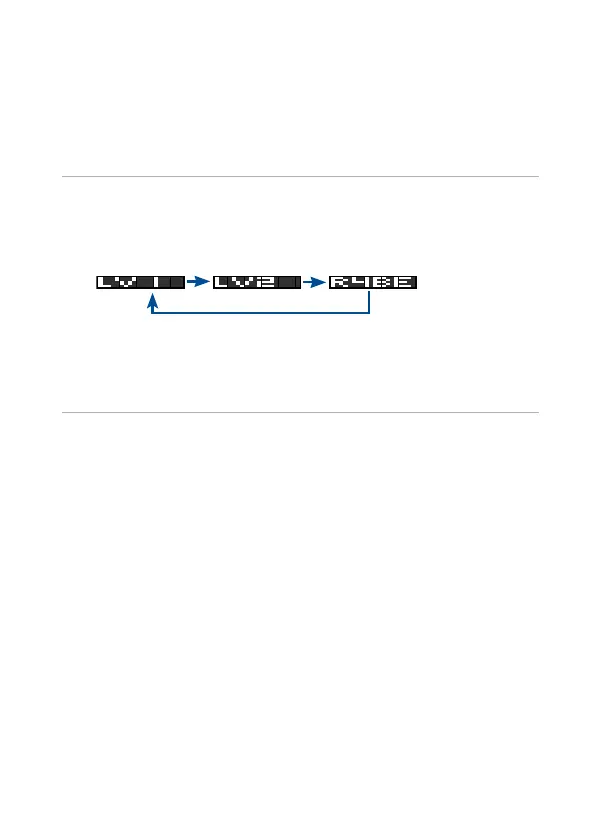
• The following shows the cycle when your press the CPU Level Up OC button
repeatedly:
(Normal mode)
• The overclocking values of LV1 and LV2 depend on the CPU type or
motherboard installed.
• Restore the system to its default settings if the system becomes unstable. For
more details, refer to the BIOS section of your motherboard’s user manual.






 To Next Page