2-27
ASUS RS300-E10 Series
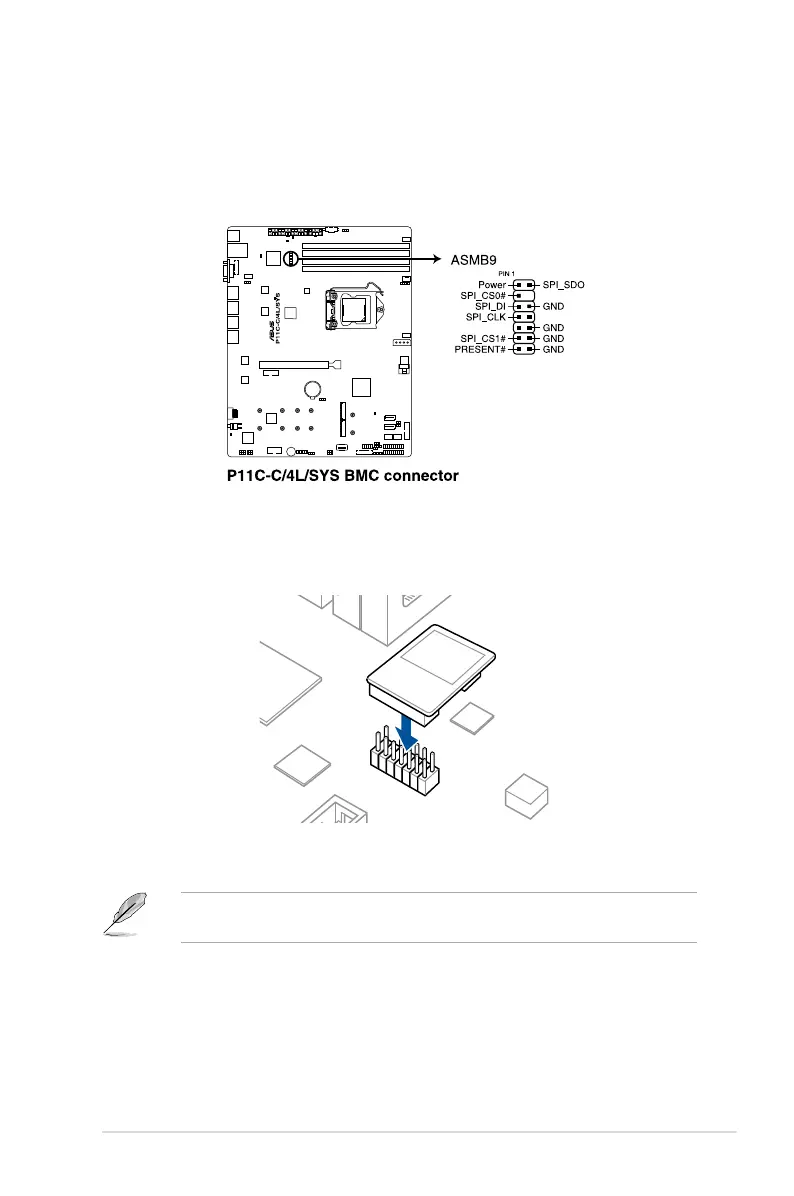
2.8.4 Installing the Baseboard Management Card (optional)
Follow the steps below to install an optional ASMB9 management card on your motherboard.
1. Locate the Baseboard Management Card header on the motherboard.
2. Orient and press the Management Card in place.
The motherboard illustration is for reference only. The motherboard layout and appearance
may vary depending on the model, but the installation steps remain the same.













 To Next Page