ASUS RS500A-E6/PS4 6-13
6.2.3 Viewing the Drive Assignment
To view the drive assignment:
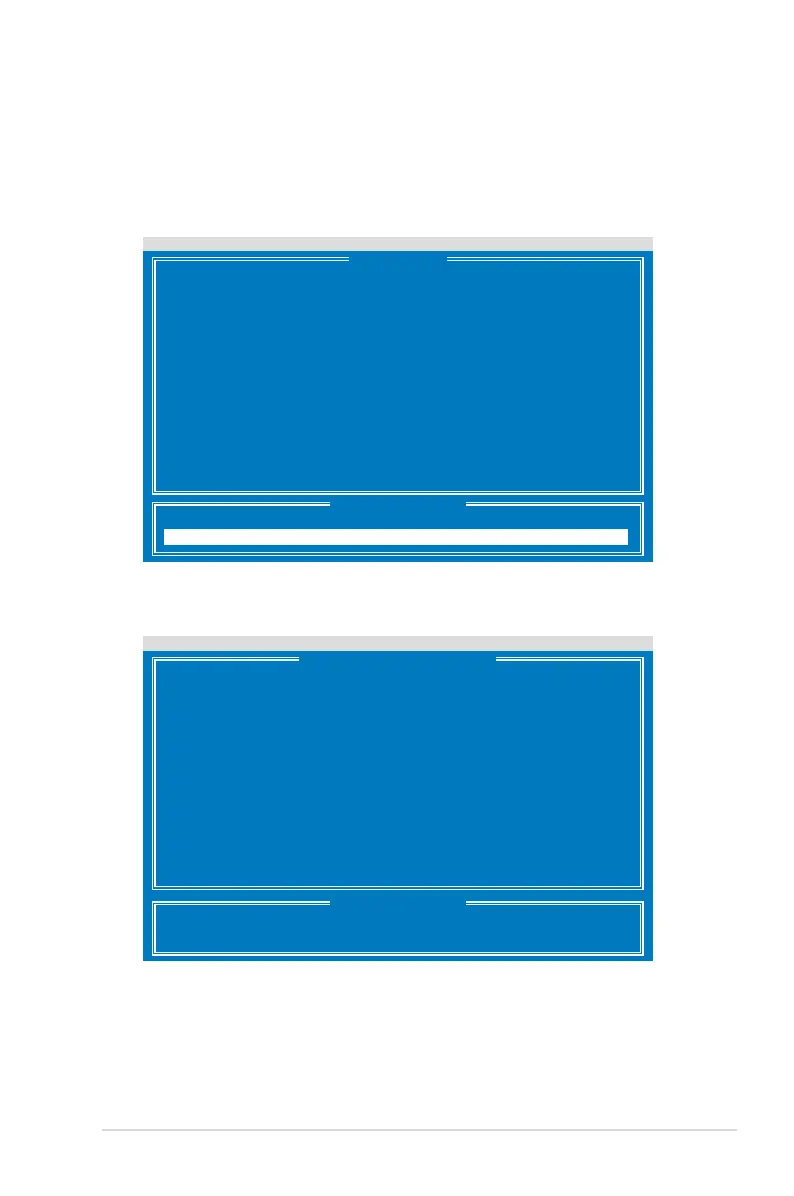
1. From the main control panel, press <1> to to enter the
Drive Assignment
Menu
.
Press 1..4 to Select Option [ESC]Exit
FastBuild (tm) Utility (c) 2004-2010 Promise Technology, Inc.
View Drive Assignment .......[ 1 ]
LD View / LD Dene Menu .....[ 2 ]
Delete LD Menu ..............[ 3 ]
Controller Conguration .....[ 4 ]
[ Main Menu ]
[ Keys Available ]
FastBuild (tm) Utility (c) 2004-2010 Promise Technology, Inc.
[ View Drive Assignments ]
[ Keys Available ]
[Ctrl+H] Full Erase
[ESC] Exit [
↑
] Up [
↓
] Down [PaUp/PaDn] Switch Page
2. The drive assignment is displayed as shown.
Port:ID Drive Model Capabilities Capacity(GB) Assignment
01:01 HDTXXXXXXXXXXXX SATA 3G 250.05
Extent 1 249.99 Free
02:01 HDTXXXXXXXXXXXX SATA 3G 250.05
Extent 1 249.99 Free
03:01 HDTXXXXXXXXXXXX SATA 3G 250.05
Extent 1 249.99 Free
04:01 HDTXXXXXXXXXXXX SATA 3G 250.05
Extent 1 249.99 Free













 To Next Page