ASUS RS500A-E6/PS4 7-7
Red Hat
®
Enterprise Linux OS 4.7/4.8
To install the RAID controller driver when installing Red Hat
®
Enterprise OS:
1. Boot the system from the Red Hat
®
OS installation CD.
2. At the
boot:, type linux dd.
3. Press <Enter>.
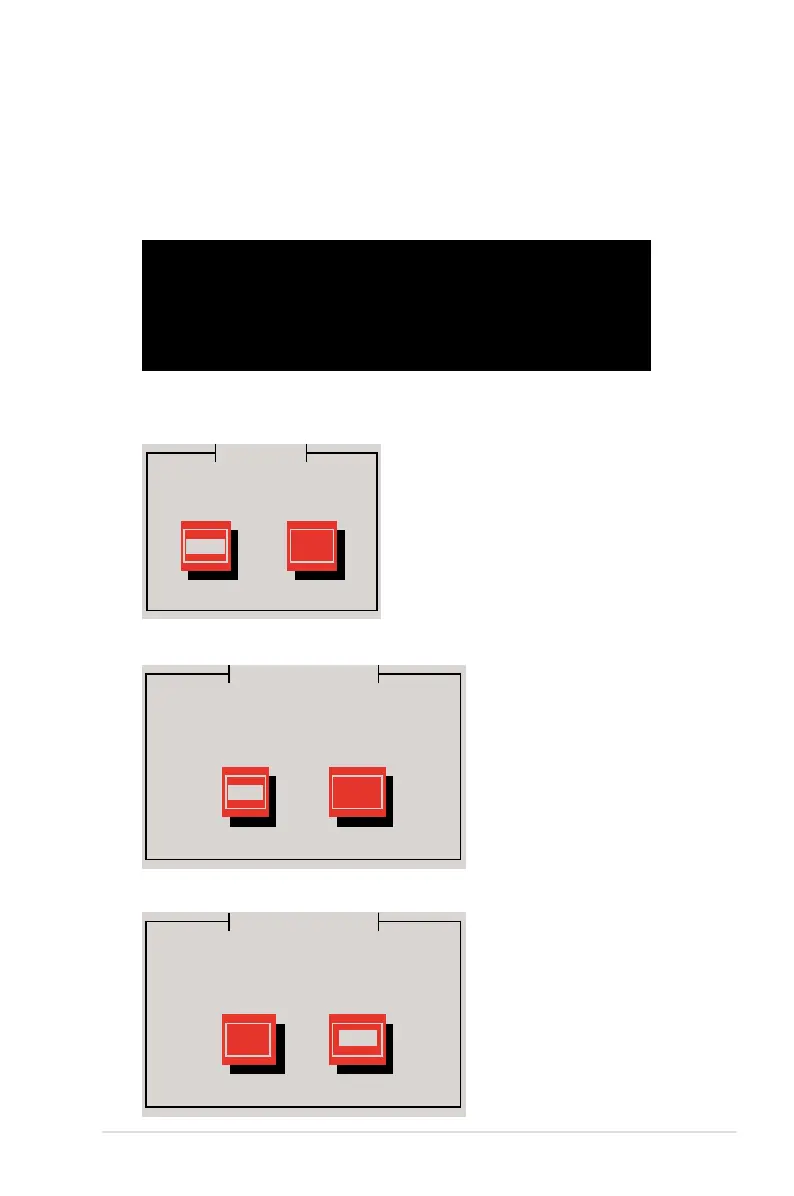
- To install or upgrade in graphical mode, press the <ENTER> key.
- To install or upgrade in text mode, type: linux text <ENTER>.
- Use the function keys listed below for more information.
[F1-Main] [F2-Options] [F3-General] [F4-Kernel] [F5-Rescue]
boot: linux dd
4. Select Yes using the <Tab> key when asked if you have the driver disk, then
press <Enter>.
Main Menu
Do you have a driver disk?
Yes No
5. Press <Enter> to continue.
Insert Driver Disk
Insert your driver disk into /dev/sda
and press “OK” to continue.
OK
Cancel
6. Select No and press <Enter> to continue.
More Driver Disks?
Do you wish to load any more
driver disks?
Yes
No













 To Next Page