2-13ASUS RS500A-E6/PS4
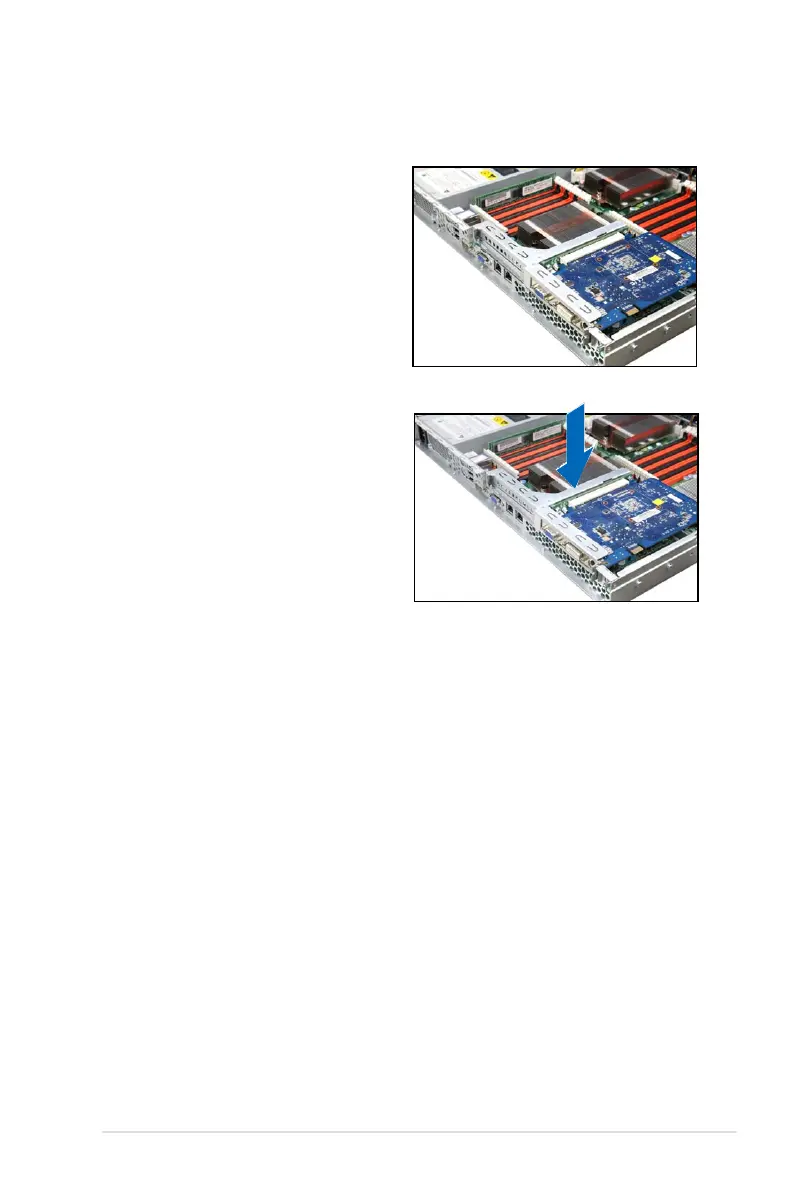
To reinstall the riser card bracket:
1. Align the riser card bracket with the
cards to the PCI Express x16 slot
on the motherboard.
2. Press the riser card bracket until
the golden connectors completely
t the slot and the bracket aligns
with the rear panel.
3. Connect the cable(s) to the card, if
applicable.













 To Next Page