ASUS RS500A-E6/PS4 5-17
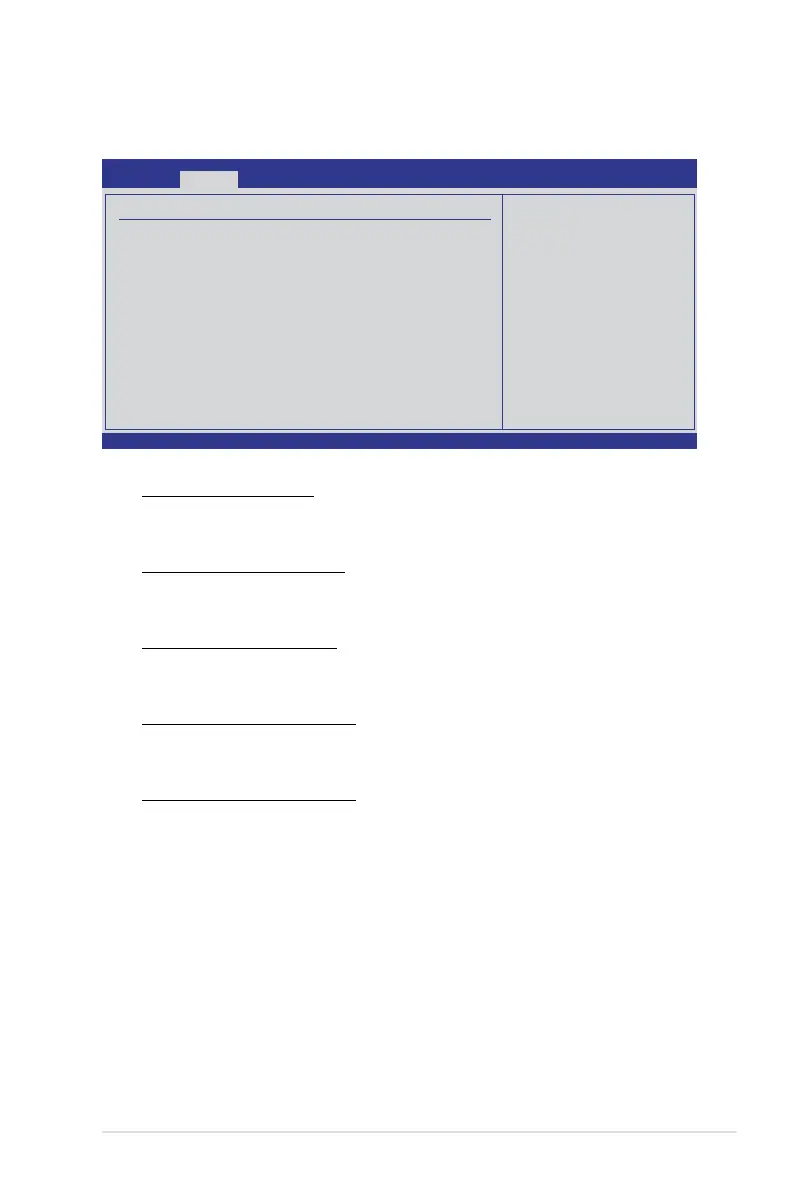
MemoryConguration
The memory conguration menu allows you to change the memory settings.
V02.61 (C)Copyright 1985-2006, American Megatrends, Inc.
BIOS SETUP UTILITY
Advanced
Memory Conguration
Bank Interleaving [Auto]
Node Interleaving [Disabled]
Channel Interleaving [Auto]
CS Sparing Enable [Disabled]
Bank Swizzle Mode [Enabled]
←→ Select Screen
↑↓ Select Item
+- Change Option
F1 General Help
F10 Save and Exit
ESC Exit
Enable Bank Memory
Interleaving
Bank Interleaving [Auto]
Enables the Bank memory interleaving.
Conguration options: [Disabled] [Auto]
Node Interleaving [Disabled]
Enables the Node memory interleaving.
Conguration options: [Disabled] [Auto]
Channel Interleaving [Auto]
Enables the Channel memory interleaving.
Conguration options: [Disabled] [Auto]
CS Sparing Enable [Disabled]
Allows you to reserve a spare memory rank in each node.
Conguration options: [Disabled] [Enabled]
Bank Swizzle Mode [Enabled]
Allows you to enable or disable the Bank Swizzle mode.
Conguration options: [Disabled] [Enabled]













 To Next Page