6-36 Chapter 6: RAID conguration
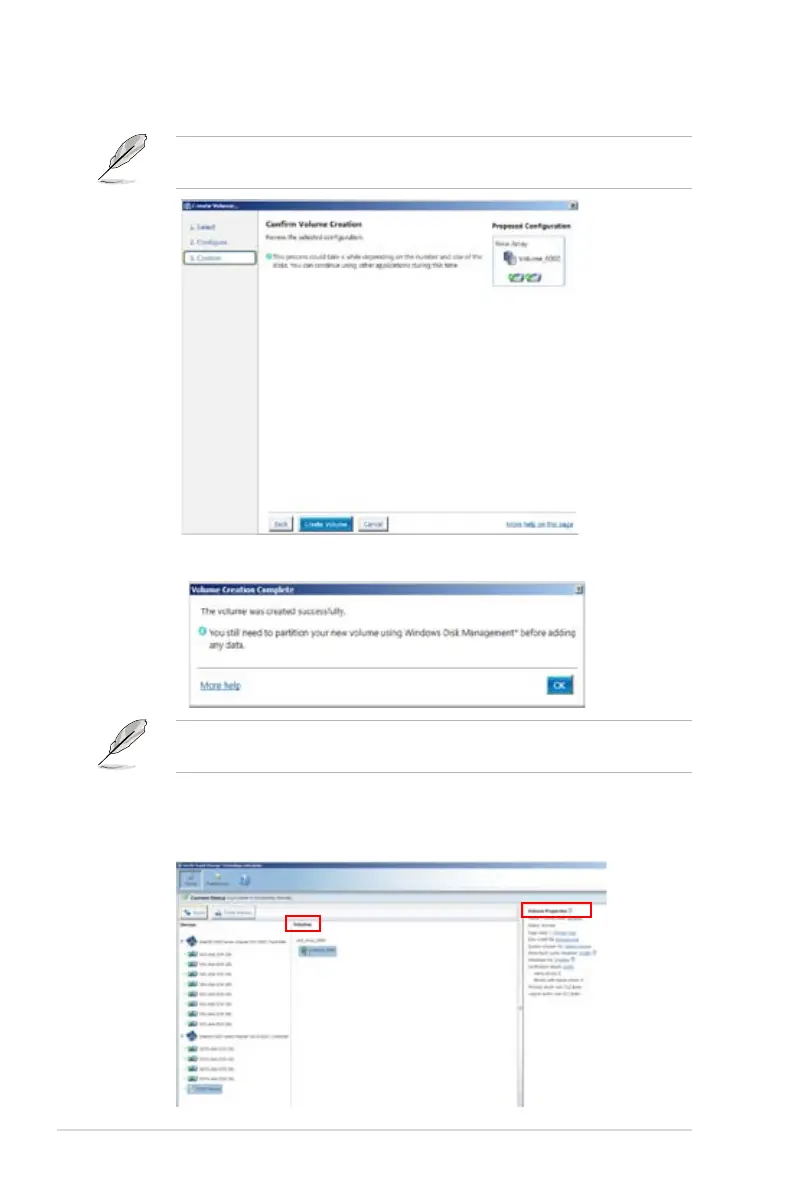
6. Conrm volume creation, than click
Create Volume
to continue.
This process could take a while depending on the number and size of the disks.
You can continue using other applications during this time.
7. When the Volume Creation Complete dialog box appears, click OK.
You still need to partition your new volume using Windows Disk Management
before adding any data.
8. In the Intel
®
Rapid Storage Technology enterprise, select a volume in
the Volumes column and modify the items in Volume Properties when
necessary.













 To Next Page