2-15ASUS RS700-E7/RS4
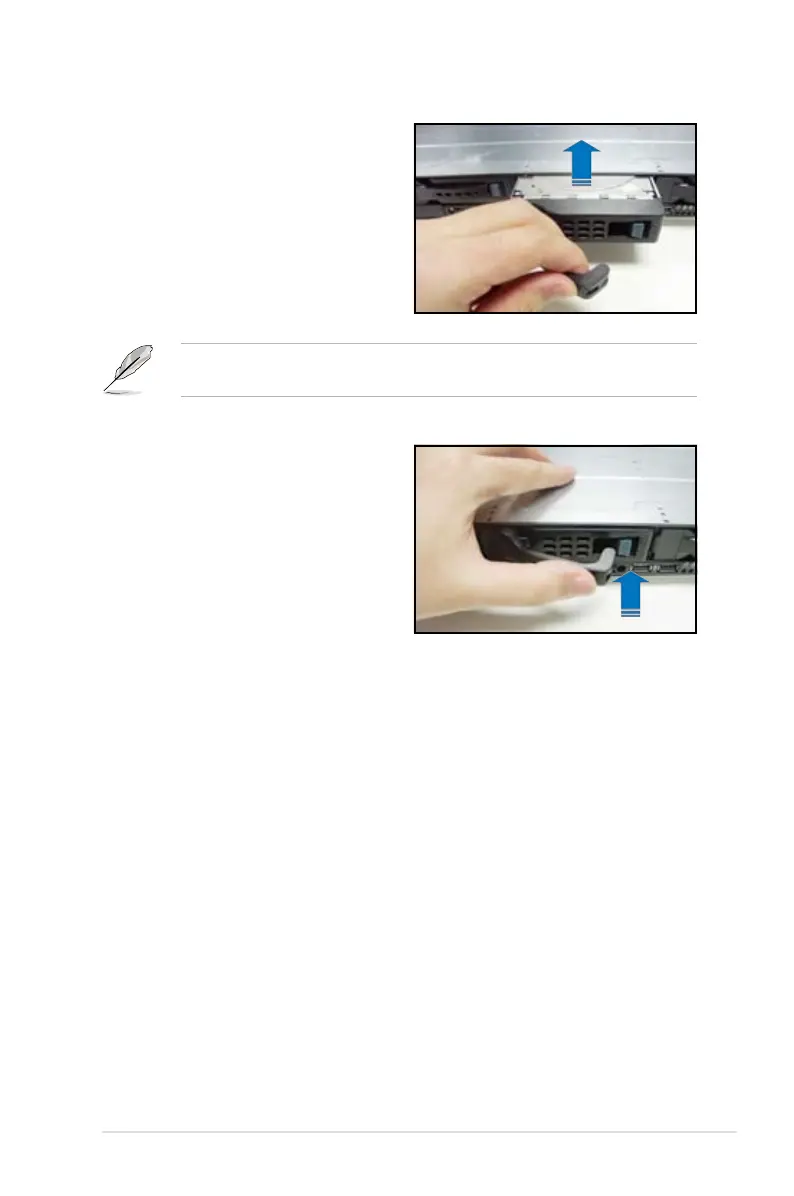
5. Carefully insert the drive tray and
push it all the way to the depth of
the bay until just a small fraction of
the tray edge protrudes.
6. Push the tray lever until it clicks,
and secures the drive tray in place.
The drive tray is correctly placed
when its front edge aligns with the
bay edge.
7. Repeat steps 1 to 6 if you wish to
install a second SATAII/SAS drive.
When installed, the SATAII/SAS connector on the drive connects to the SATAII/
SAS interface on the backplane.













 To Next Page