Chapter 2: Hardware setup2-26
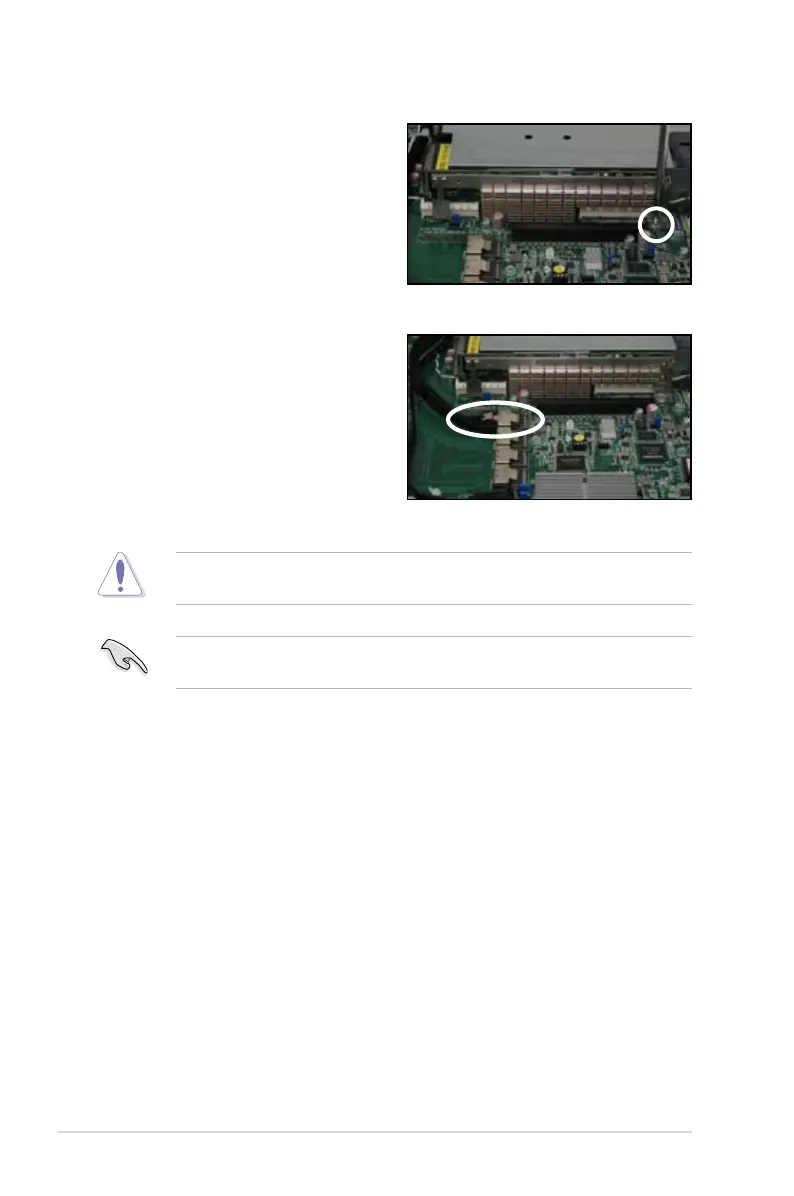
6. Disconnect the data cable from
ISATA1 and connect it to the
PSAS1 connector.
7. Ensure that the SGPIO1_SEL
jumper is set to pins 2-3. Refer
to
2.7 SATAII/SAS backplane
cabling
on page 2-19 for the
jumper setting details.
5. Secure the RAID card with the
screw that you removed earlier.
The heatsink on PIKE 2108 Series might interfere with the components on the
expansion card. Ensure that the height of the component is less than 5.8 mm.
When using a PIKE RAID card, ensure that the data cables are connected to
the PSAS1.













 To Next Page