11
1.6 Router Setup
IMPORTANT!
• Use a wired connection when setting up your wireless router to
avoid possible setup problems.
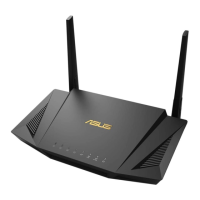
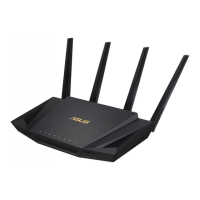
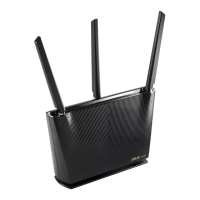
• Before setting up your ASUS wireless router, do the followings:
• If you are replacing an existing router, disconnect it from your
network.
• Disconnect the cables/wires from your existing modem setup. If
your modem has a backup battery, remove it as well.
• Reboot your cable modem and computer (recommended).
WARNING!
• The power supply cord(s) must be plugged into socket-outlet(s)
that is /are provided with a suitable earth ground. Connect
the equipment only to a nearby socket outlet that is easily
accessible.
• If the Adapter is broken, do not try to x it by yourself. Contact
a qualied service technician or your retailer.
• DO NOT use damaged power cords, accessories, or other
peripherals.
• DO NOT mount this equipment higher than 2 meters.
• Use this product in environments with ambient temperatures
between 0°C (32°F) and 40°C (104°F).


 To Next Page