12
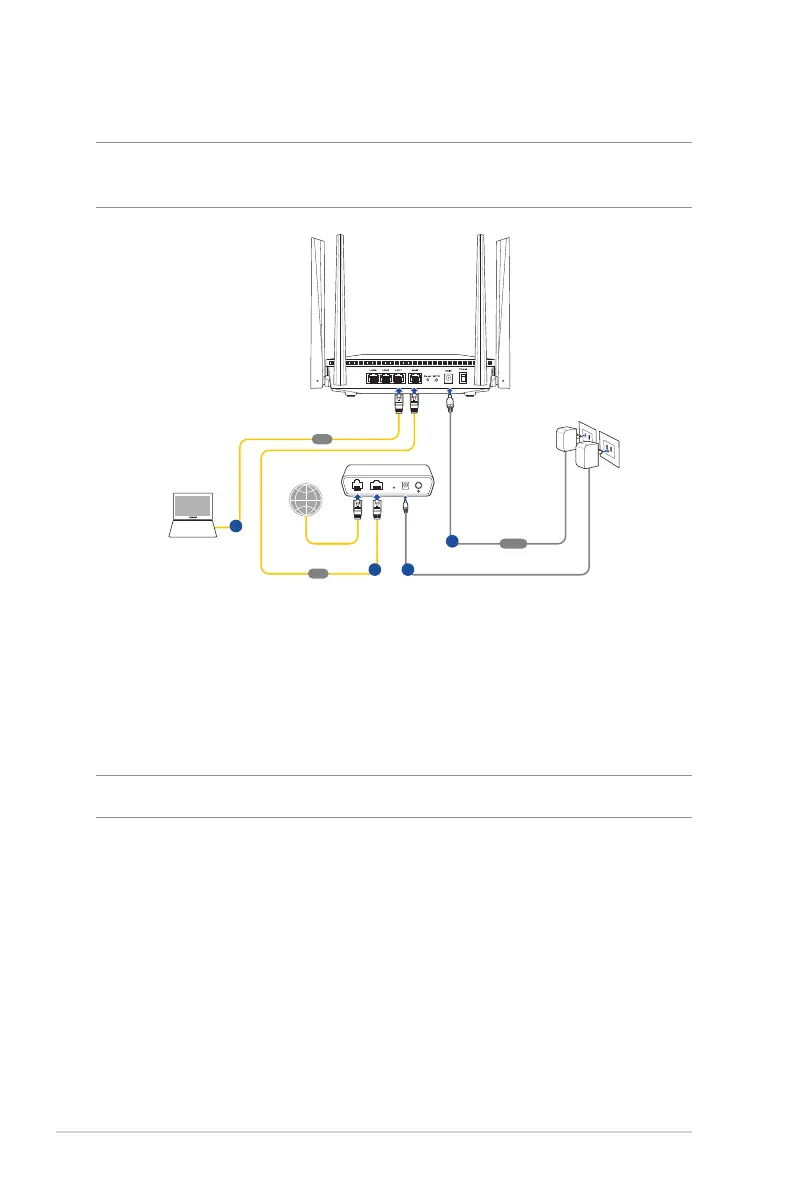
1.6.1 Wired connection
NOTE: You can use either a straight-through cable or a crossover cable
for wired connection.
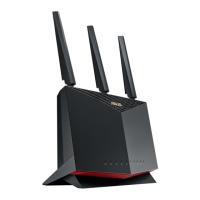
RTAX52
Laptop
LAN
b
Modem
LINE LAN RESET PWR
WAN
c
Wall Power Outlet
Power
a
d
To set up your wireless router via wired connection:
1. Insert your wireless router’s AC adapter to the DCIN port and
plug it to a power outlet.
2. Using the bundled network cable, connect your computer to
your wireless router’s LAN port.
IMPORTANT! Ensure that the LAN LED is blinking.
3 Using another network cable, connect your modem to your
wireless router’s WAN port.
4. Insert your modem’s AC adapter to the DCIN port and plug it to
a power outlet.


 To Next Page