12
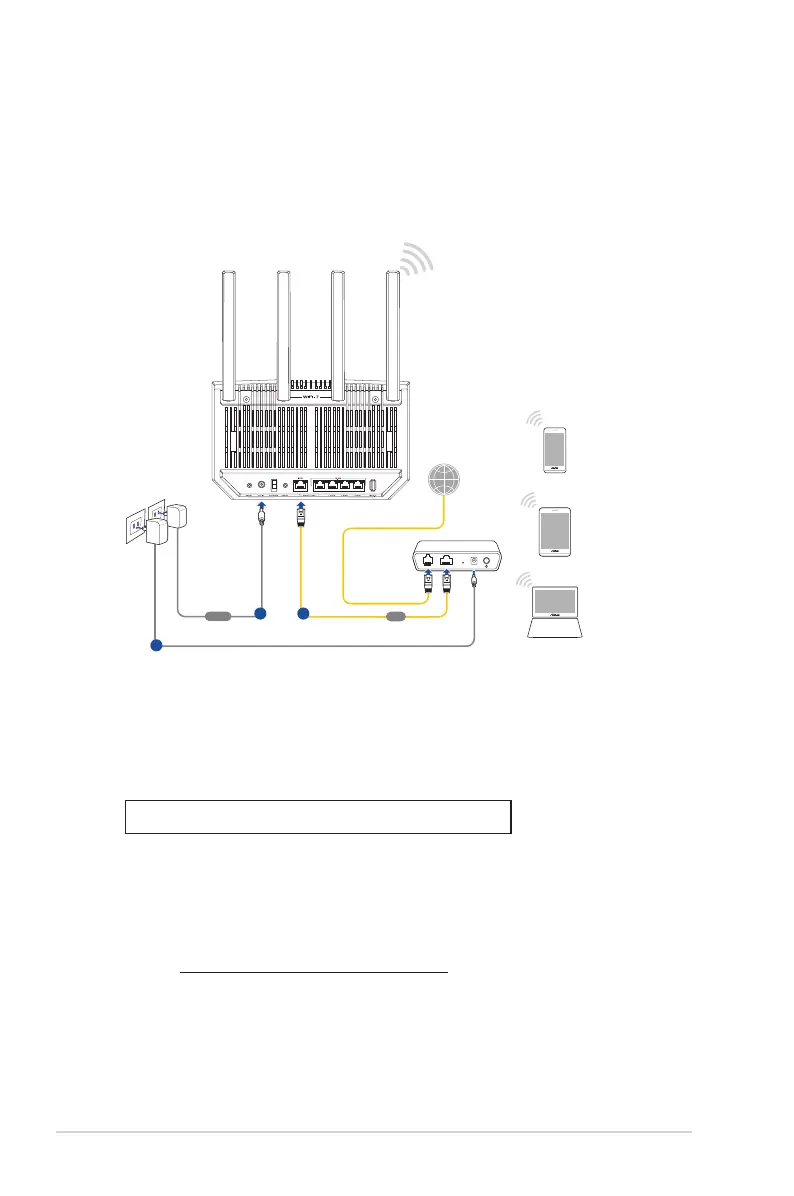
B. Wireless connection
Laptop
Tablet
Smart phone
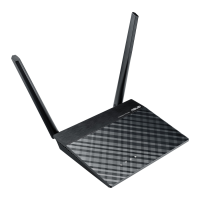
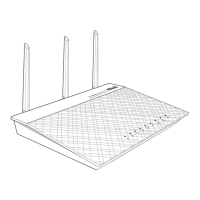
RT-BE92U
Wall Power Outlet
Modem
LINE LAN RESET PWR
Power
WAN
a
b
c
To set up your wireless router via wireless connection:
1. Plug your router into a power outlet and power it on.
2. Connect to the network name (SSID) shown on the
product label on the back side of the router. For better
network security, change to a unique SSID and assign a
password.
Wi-Fi Name (SSID): ASUS_XX
* XX refers to the last two digits of 2.4GHz MAC address. You can nd it on
the label on the back of your router.
3. Once connected, the Web GUI launches automatically
when you open a web browser. If it does not auto-launch,
enter http://www.asusrouter.com.
4. Set up a password for your router to prevent unauthorized
access.



 To Next Page