14
2.2 Quick Internet Setup (QIS) with Auto-detection
FAQ (Frequently Asked Questions)
• Setting up via ASUS Router app
• Setting up via Web GUI (ASUSWRT)
• Setting up via QIS (Quick Internet Setup)
The Quick Internet Setup (QIS) function guides you in quickly
setting up your Internet connection.
NOTE: When setting the Internet connection for the rst time,
press the Reset button on your wireless router to reset it to its
factory default settings.
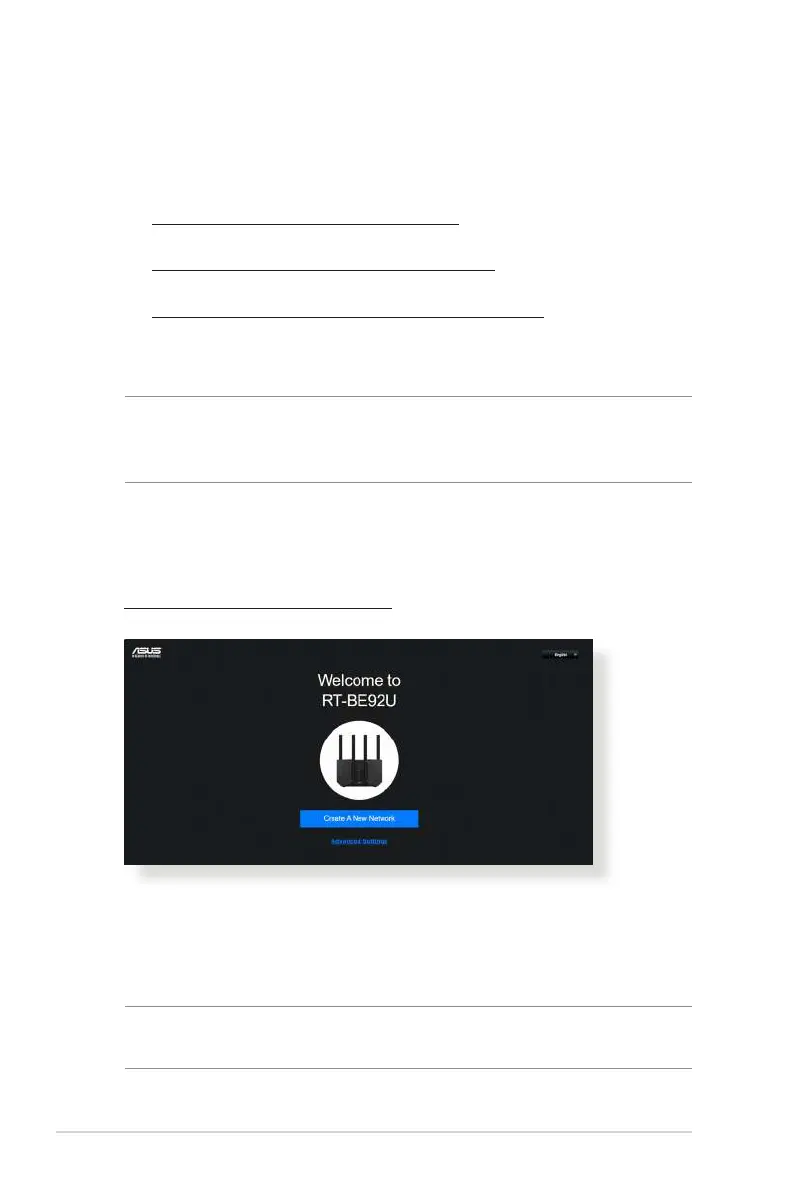
To use QIS with auto-detection:
1. Launch a web browser. You will be redirected to the ASUS
Setup Wizard (Quick Internet Setup). If not, key in
http://www.asusrouter.com manually.
2. The wireless router automatically detects if your ISP
connection type is Dynamic IP, PPPoE, PPTP and L2TP.
Key in the necessary information for your ISP connection
type.
IMPORTANT! Obtain the necessary information from your ISP
about the Internet connection type.



 To Next Page