6
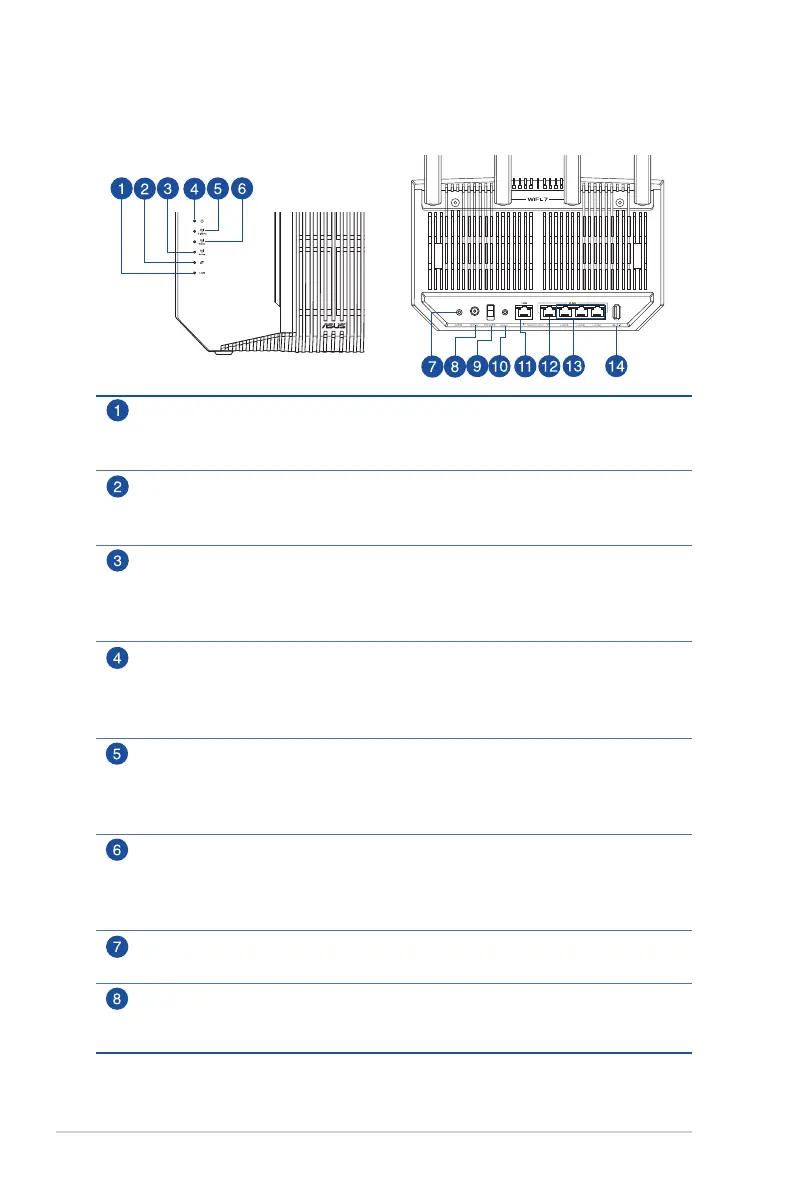
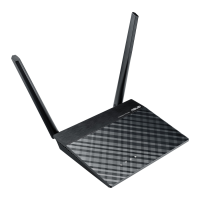
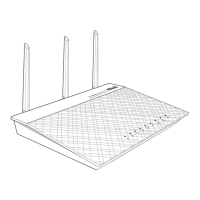
1.3 Your wireless router
LAN LED
Off: No power or no physical connection.
On: Has physical connection to a local area network (LAN).
WAN (Internet) LED
Red: No IP or no physical connection.
On: Has physical connection to a wide area network (WAN).
6GHz LED
Off: No 6GHz signal.
On: Wireless system is ready.
Flashing: Transmitting or receiving data via wireless connection.
Power LED
Off: No power.
On: Device is ready.
Flashing slow: Rescue mode.
2.4GHz LED
Off: No 2.4GHz signal.
On: Wireless system is ready.
Flashing: Transmitting or receiving data via wireless connection.
5GHz LED
Off: No 5GHz signal.
On: Wireless system is ready.
Flashing: Transmitting or receiving data via wireless connection.
WPS button
This button launches the WPS Wizard.
Power (DCIN) port
Insert the bundled AC adapter into this port and connect your router to a
power source.



 To Next Page