16
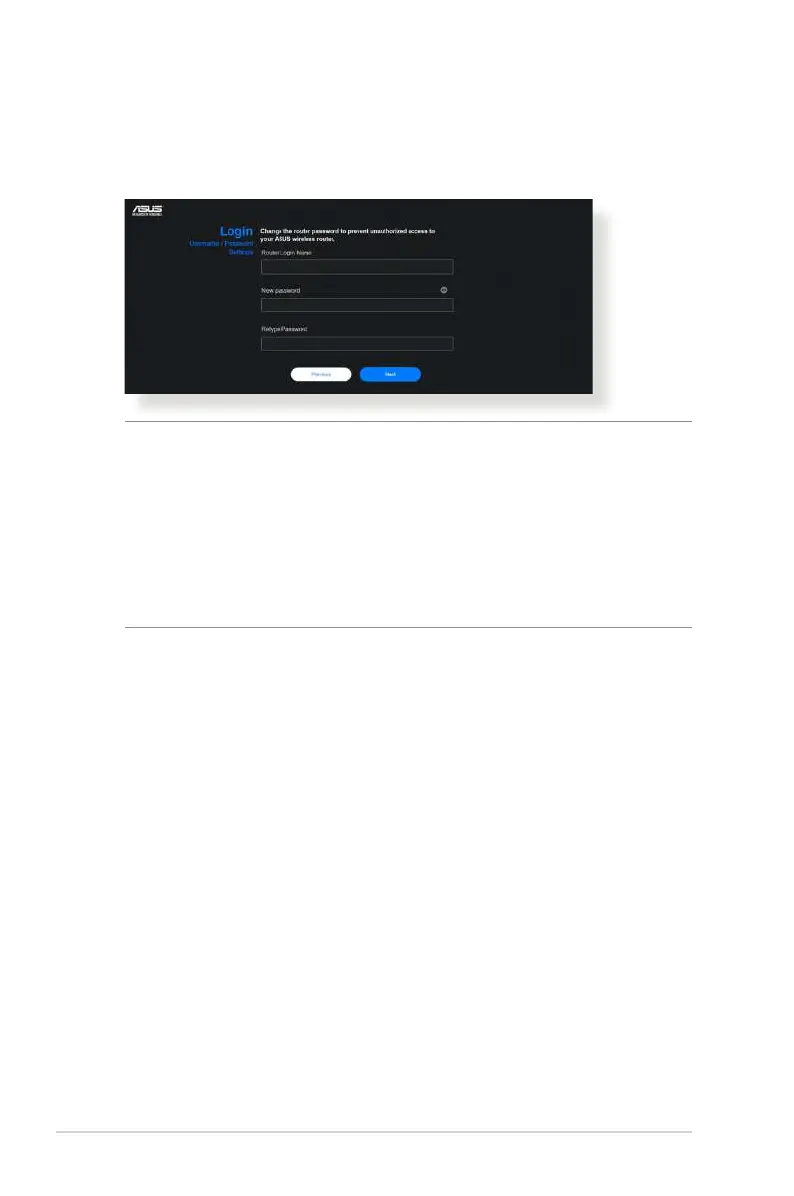
4. On the Login Information Setup page, change the router’s
login password to prevent unauthorized access to your
wireless router.
NOTE: The wireless router's login username and password
is different from the 2.4GHz/5GHz/6GHz network name
(SSID) and security key. The wireless router's login username
and password allows you to log into your wireless router's
Web GUI to congure your wireless router's settings. The
2.4GHz/5GHz/6GHz network name (SSID) and security
key allows Wi-Fi devices to log in and connect to your
2.4GHz/5GHz/6GHz network.



 To Next Page