13
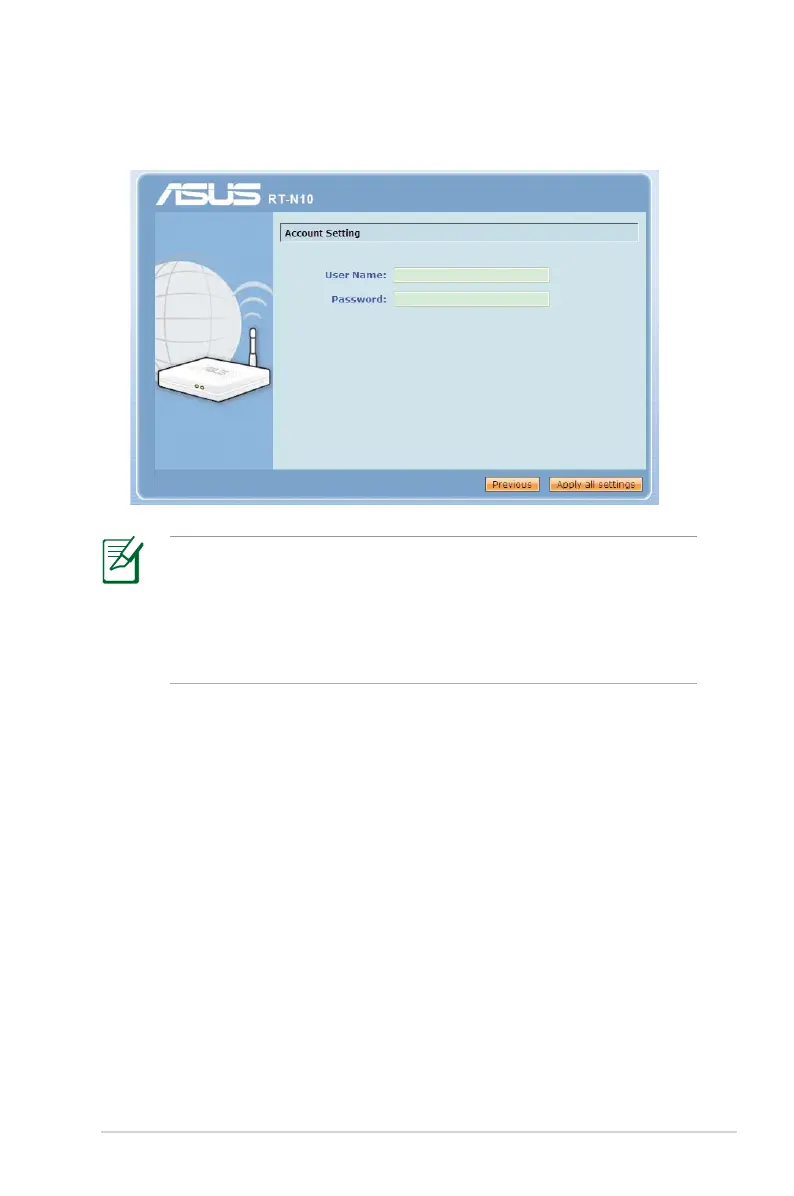
• A PPPoE Internet connection is shown on the example. The
setup screen varies depending on the detected Internet
connection type
• Obtain the required account information, such as the user
name and password, from your Internet Service Provider (ISP).
4. Key in the username and password for your account. Click
Apply all settings.



 To Next Page