14
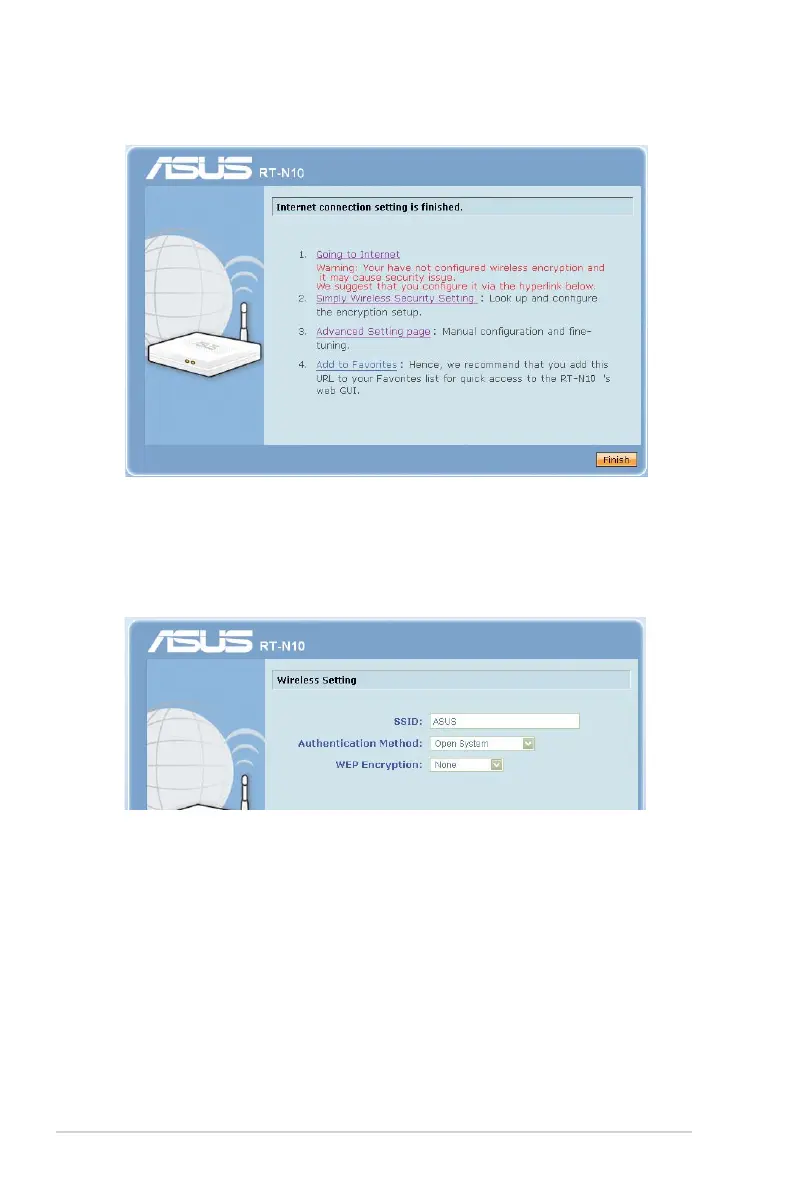
5. Internet setup is complete.
• Click Going to Internet to browse the Internet.
• Click
Simply Wireless Security Setting to configure basic
security settings for SSID, authentication method, and WEP
encryption for the wireless router.
• Click Advanced Setting page to manually configure
advanced settings for the wireless router.
• Click
Add to Favorites to add this URL to your Favorites or
Bookmarks on your browser for quick access to the web GUI.



 To Next Page