23
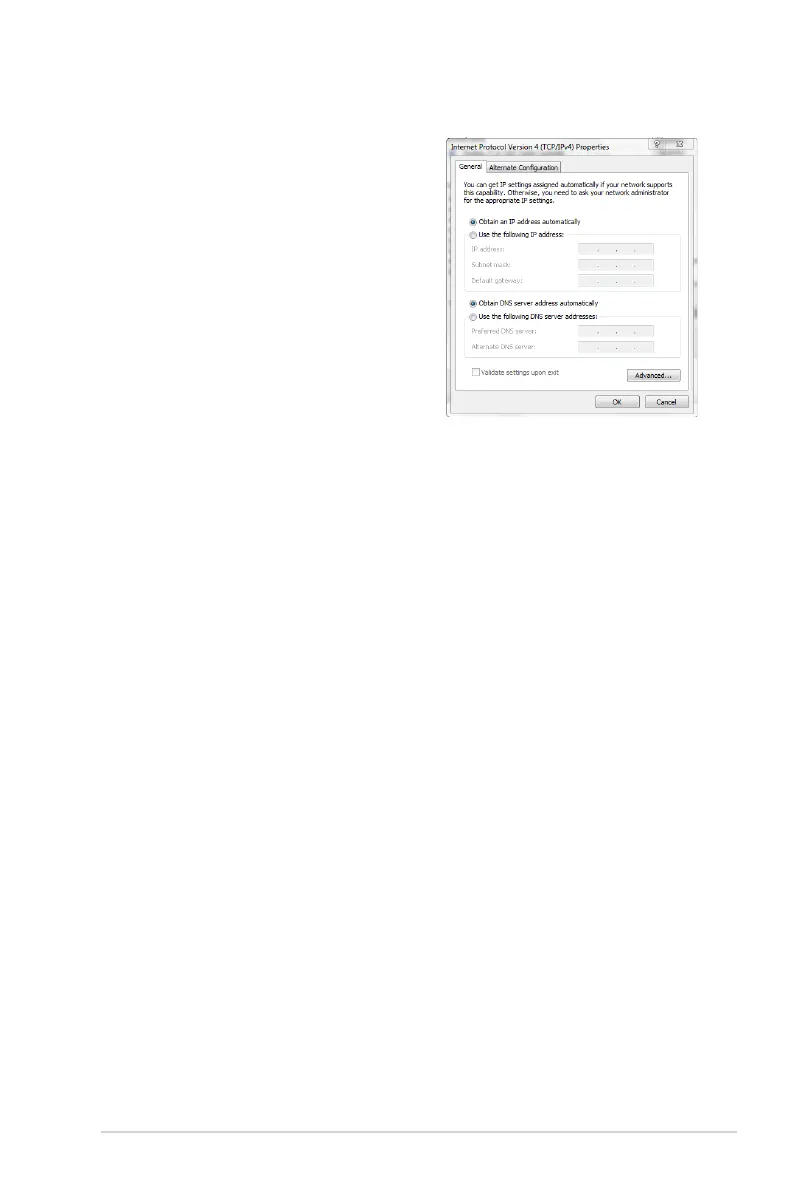
5. Select Obtain an IP address
automatically if you want
the IP settings to be assigned
automatically. Otherwise, select
Use the following IP address.
Key in an IP address, Subnet
mask, and Default gateway.
6. Select
Obtain DNS server
address automatically if you
want the DNS server settings
to be assigned automatically.
Otherwise, select Use the
following DNS server
addresses: and key in the
Preferred and Alternate DNS
server.
7. Click
OK.



 To Next Page