19
3 Network configuration using
the web GUI
Logging in to the web GUI
Your ASUS Wireless Router uses a web-based user interface that
allows you to configure the router using any web browser such as
Internet Explorer, Mozilla Firefox, Apple Safari, or Google Chrome.
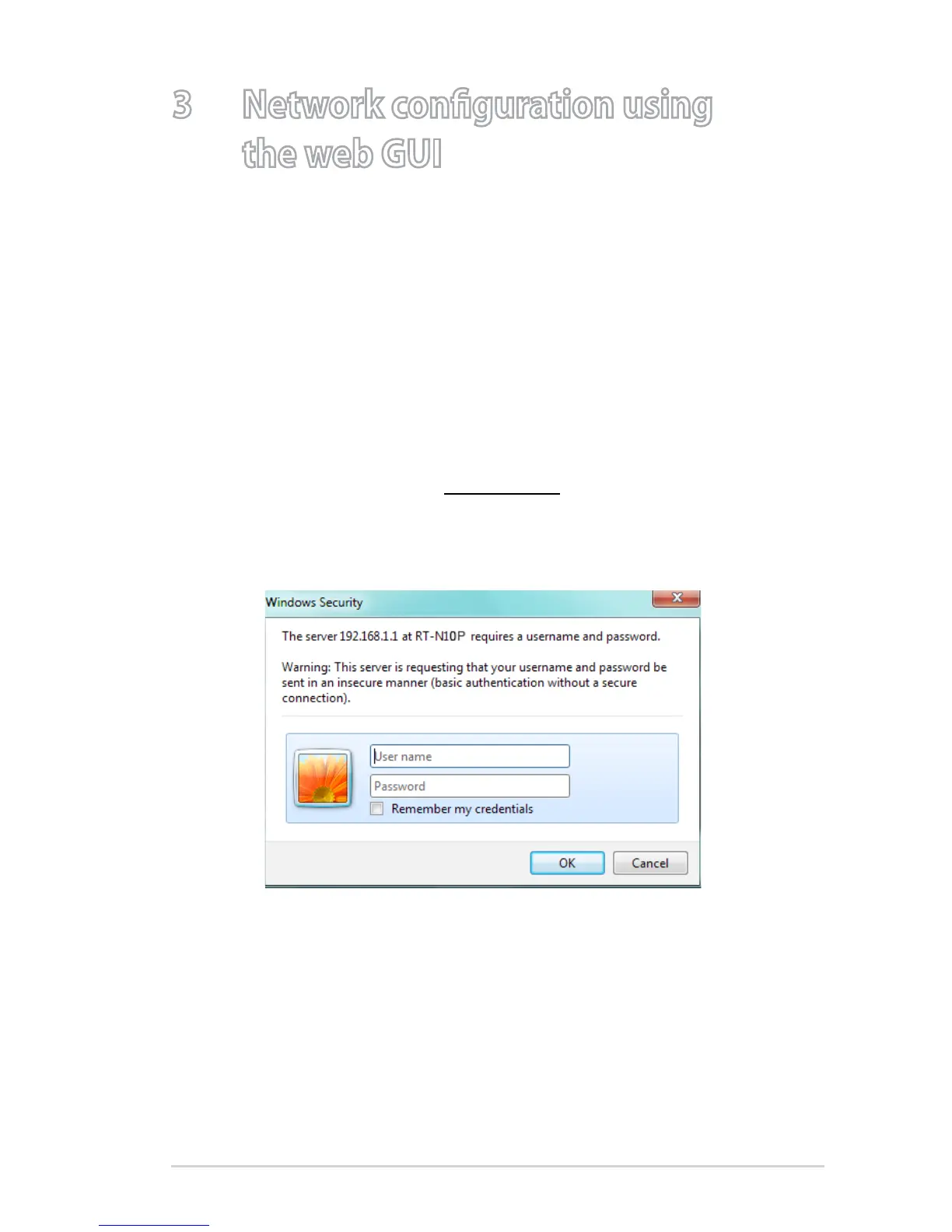
To log in to the web GUI:
1. Launch your web browser and manually key in the wireless
router’s default IP address: 192.168.1.1
2. On the login page, key in the default user name (
admin) and
password (admin).



 To Next Page