26
Setting up wireless security
To protect your wireless network from unauthorized access, you
need to configure your router’s security settings.
To set up the wireless security settings:
1. Key in 192.168.1.1 on your web browser.
2. On the login screen, key in the default user name (
admin) and
password (admin), then click OK. The wireless router’s web GUI
launches.
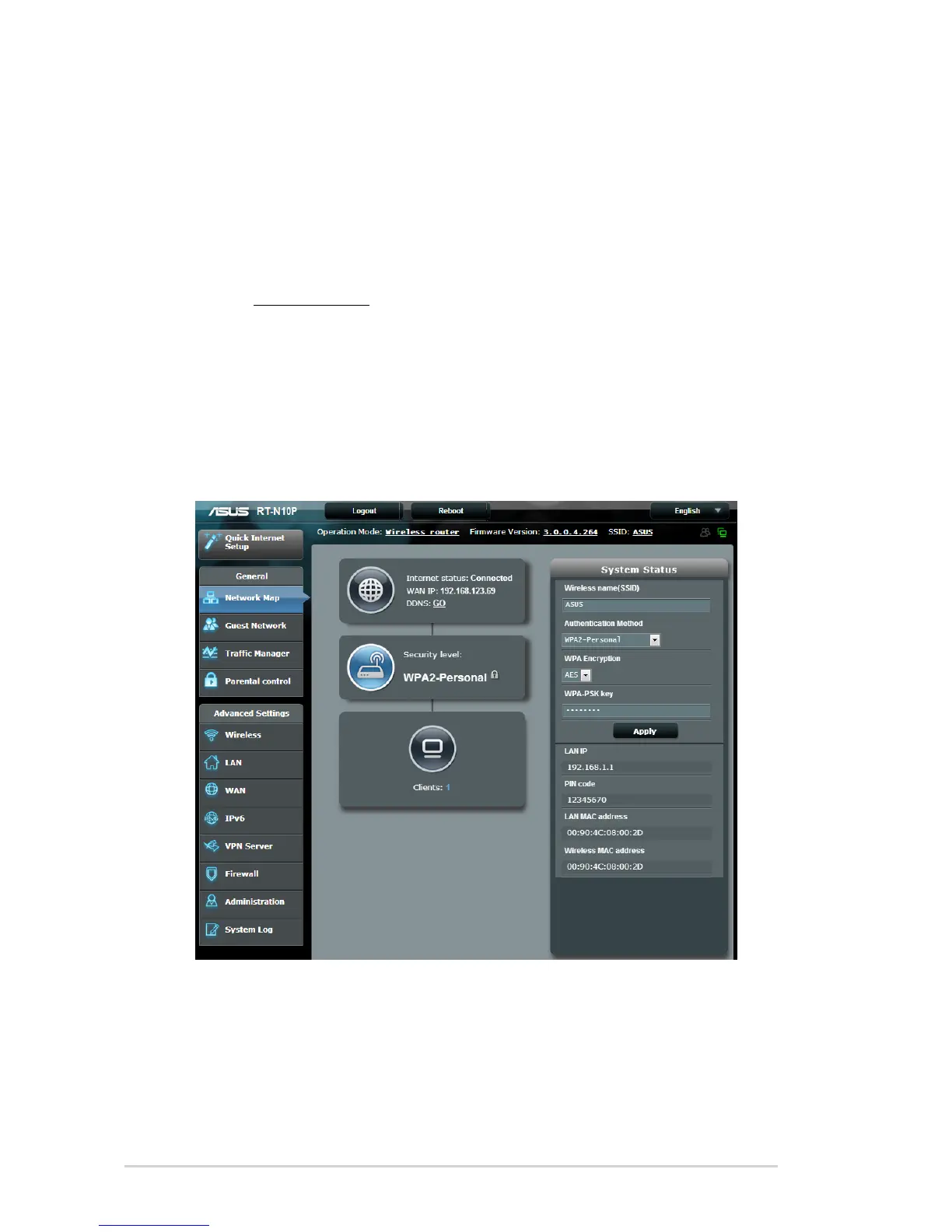
3. On the Network Map screen, the
System Status area displays
the SSID (Service Set Identifier), Authentication Method, and
security key settings of your wireless network.



 To Next Page