40
The Firmware Restoration utility is not used to upgrade the
firmware of a working ASUS Wireless Router. Normal firmware
upgrades must be done through the web GUI. Refer to
Upgrading the firmware for more details.
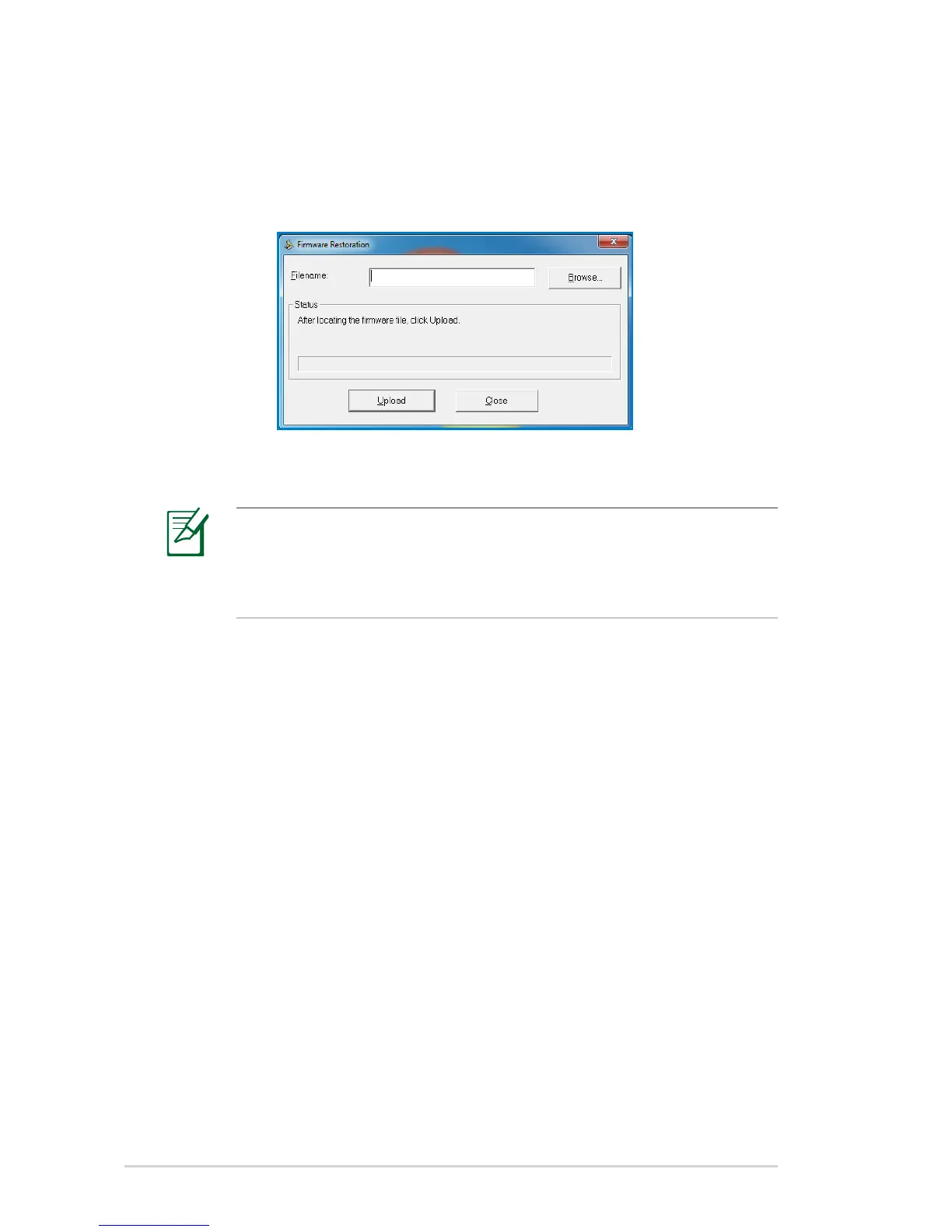
5. Click Browse to navigate to the firmware file, then click Upload.
4. From your computer’s desktop, click
Start > All Programs > ASUS Utility > RT-N10P Wireless
Router > Firmware Restoration.



 To Next Page