ASUS SP97 / SP97-V User’s Manual58
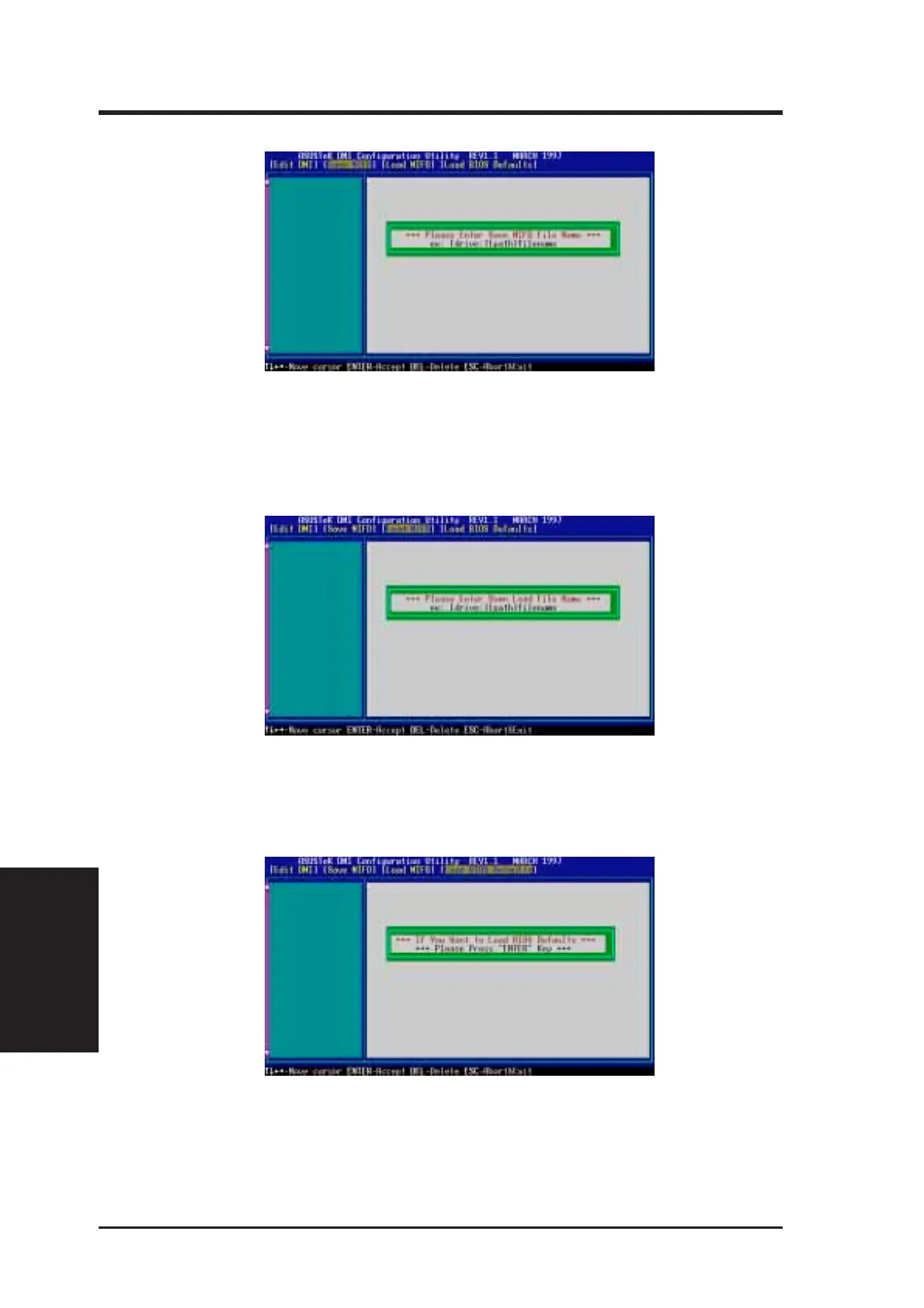
Save MIFD
You can save the MIFD (normally only saved to flash ROM) to a file by entering the
drive and path here. If you want to cancel save, you may press ESC and a message
“Bad File Name” appears here to show it was not saved.
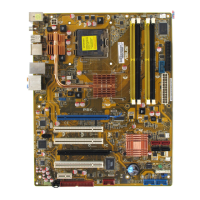
Load MIFD
You can load the disk file to memory by entering a drive and path and file name
here.
Load BIOS Defaults
You can load the BIOS defaults from a MIFD file and can clear all user modified
and added data. You must reboot your computer in order for the defaults to be saved
back into the Flash BIOS.
V. SOFTWARE
(Using DMI Utility)
V. SUPPORT SOFTWARE





 To Next Page