32
ASUS Transformer Book E-Manual
Three-nger gestures
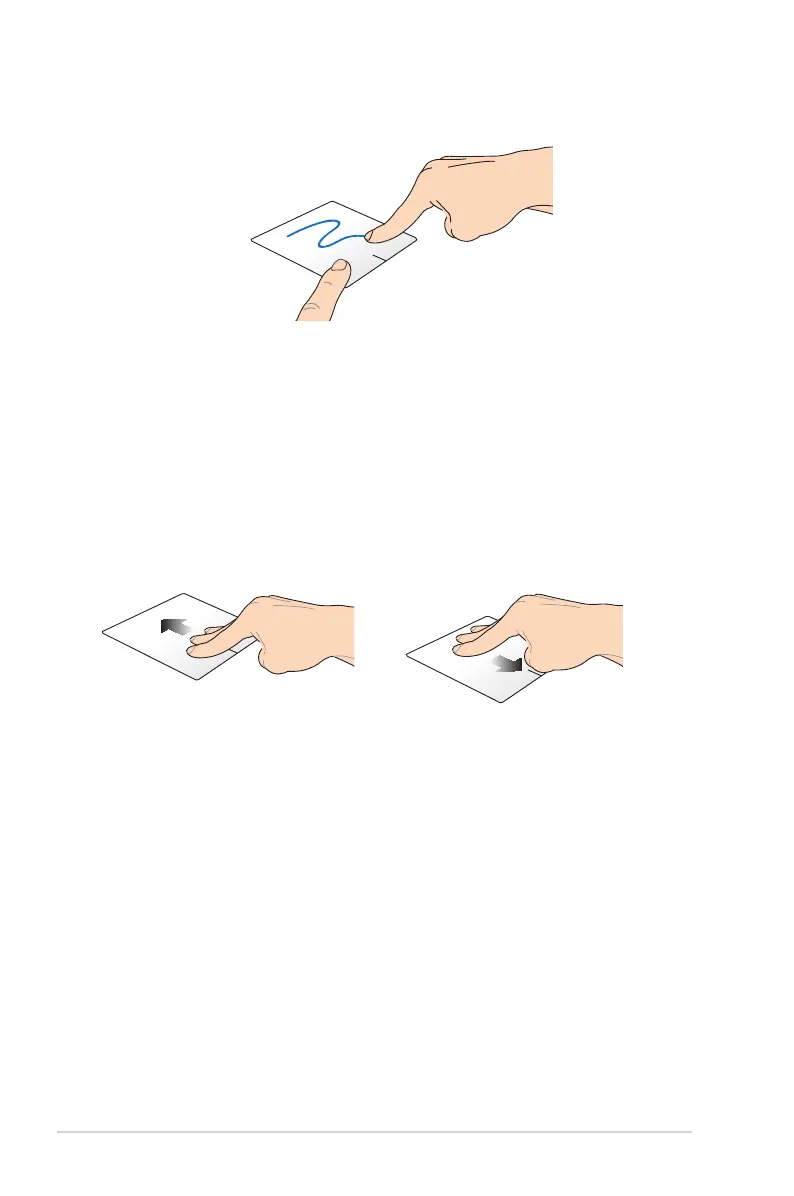
Drag and drop
Select an item then press and hold the left button. Using your other
nger, slide down the touchpad to drag and drop the item to a new
location.
Swipe up Swipe down
Swipe three ngers upward to
show all running applications.
Swipe three ngers downward to
show the Desktop mode.



 To Next Page