60
ASUS Transformer Book E-Manual
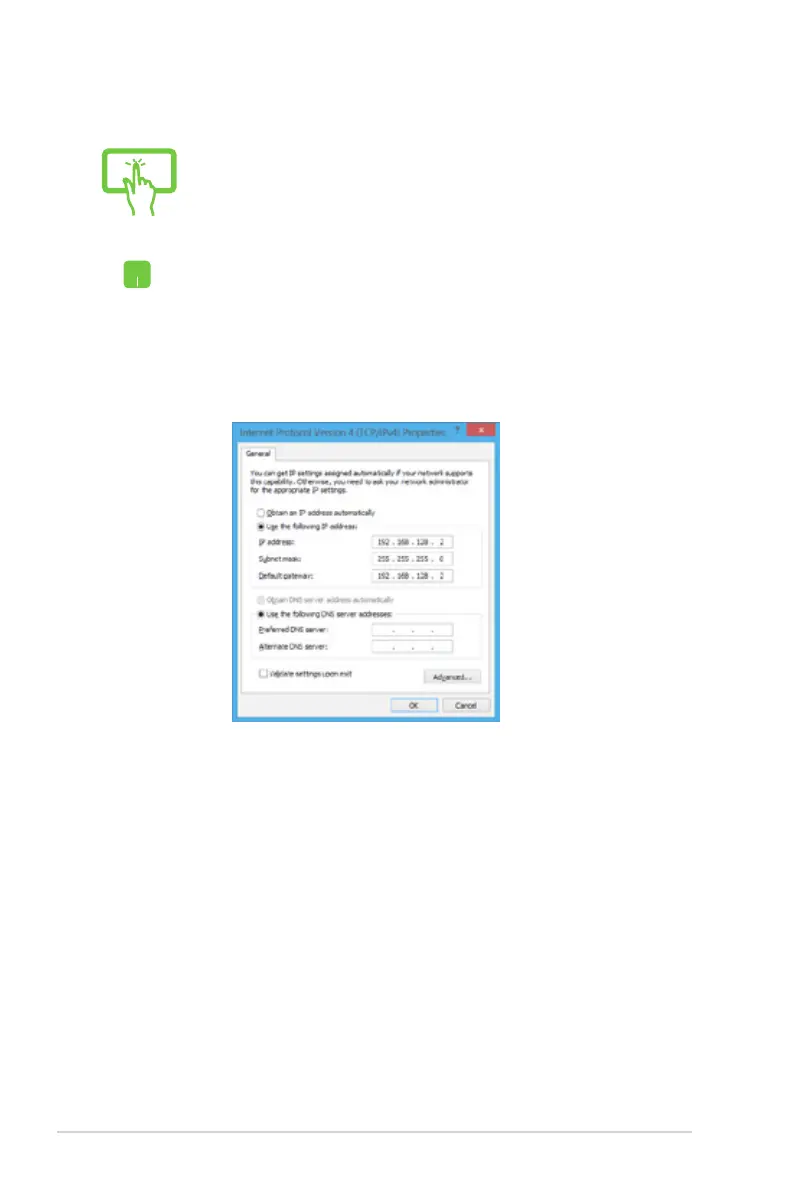
Conguring a static IP network connection
or
1. Repeat steps 1 to 5 under Conguring a dynamic
IP/PPPoE network connection.
2 Tap Use the following IP address.
3. Type the IP address, Subnet mask and Default
gateway from your service provider.
4. If needed, you can also type the preferred DNS
server address and alternate DNS server address
then tap OK.



 To Next Page